Client File Upload Portal: Setup Guide
If you run a service-based business or manage multiple clients, sooner or later you need a structured way to receive files from them. Many teams try to use shared Google Drive folders or email attachments, but both options often create confusion and security concerns.
This is why having a dedicated client file upload portal is a smarter and more professional approach.
The Problem with Traditional Client Upload Methods
Common methods for receiving files from clients usually break down because:
- Shared folders require manual permission approvals
- Clients upload files to the wrong location
- Email attachments fail for large documents
- Files get scattered across conversations
- External users need accounts to upload
These small issues add up to wasted time and constant follow-ups.
What Is a Client File Upload Portal?
A client file upload portal is a simple web page where your clients can:
- Open a secure link
- Upload required files
- Follow clear instructions
- Submit documents without logging in
Behind the scenes, all files are delivered directly into your own storage—without giving clients access to your internal Drive.
How to Set Up a Client File Upload Portal with SendToDrive
Step 1 – Create Your Upload Page

In SendToDrive, start by creating an upload page. Add a clear title and description so clients understand what files you are requesting. Then select the exact destination folder inside your Google Drive.
You can configure rules such as:
- Maximum file size
- Allowed file types
- Expiration date
- Password-protected access
Once saved, SendToDrive generates a unique portal link for you.
Step 2 – Share the Portal Link with Clients

Use this link as your official client intake point. You can share it through email, proposals, contracts, or messaging apps like WhatsApp and Slack.
Clients do not need a Google account and never see your private Drive.
Step 3 – Clients Upload Files Securely
If you enabled password protection, they must enter the correct password first.
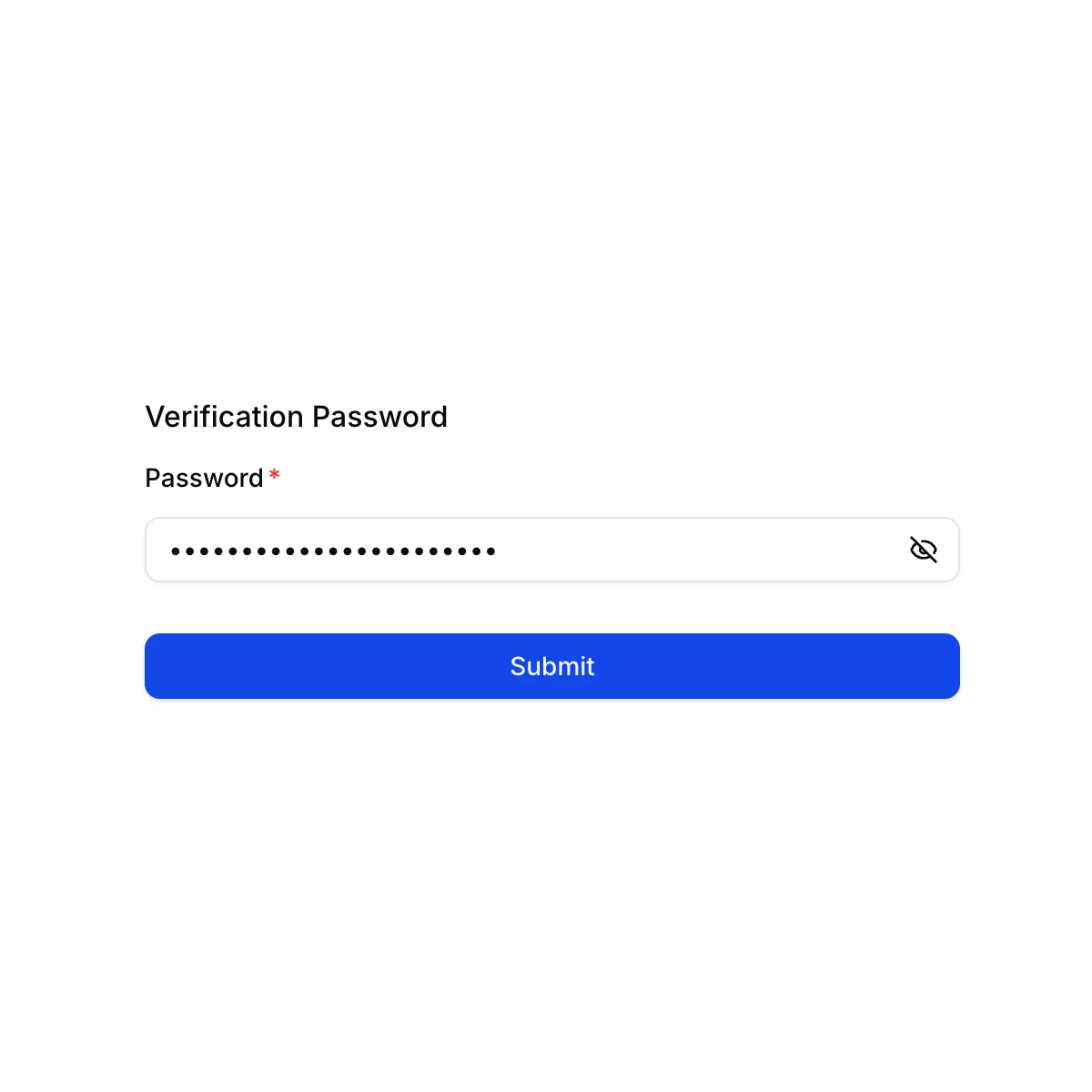
After successful authentication, the upload form becomes visible.

When clients open the portal, they see a clean drag-and-drop uploader. They can submit files from phone, laptop, or tablet in seconds.
Step 4 – Receive Files Straight to Google Drive

All submissions are saved automatically to the folder you chose. No manual downloads, no re-uploading, and no messy inbox.
Real-World Use Cases
Education Sector
Schools and tutors can use a client file upload portal to receive student projects, parental consent forms, and learning materials.
Religion & Community Organizations
Churches, mosques, and community groups can collect files such as event registrations, donation proof, or membership documents from members.
IT Developers
Software teams can receive bug screenshots, log files, or project assets from non-technical clients without teaching them complex tools.
Why SendToDrive Is Ideal for Your Portal
SendToDrive provides everything needed to create a reliable client file upload portal:
- Setup in minutes
- No-code solution
- Works for external users
- Google Drive integration
- Optional password protection
- Automatic organization
Instead of building custom systems, you get a ready-to-use portal instantly.
FAQs
Do clients need to log in?
No. Uploaders can submit files without any account.
Can I make the portal private?
Yes. You can enable password-protected access.
Where do the uploaded files go?
Directly into your selected Google Drive folder.
Can I set limits?
Yes. File size and type restrictions are fully supported.
Final Thoughts
A professional client file upload portal removes friction from your workflow and makes it easier for clients to send what you need.
👉 Start using SendToDrive today and create your own secure upload portal in minutes.