Features

SendToDrive is a simple and secure way to collect files directly to your Google Drive. Create upload pages, share links or QR codes, and receive files without email attachments or login friction.

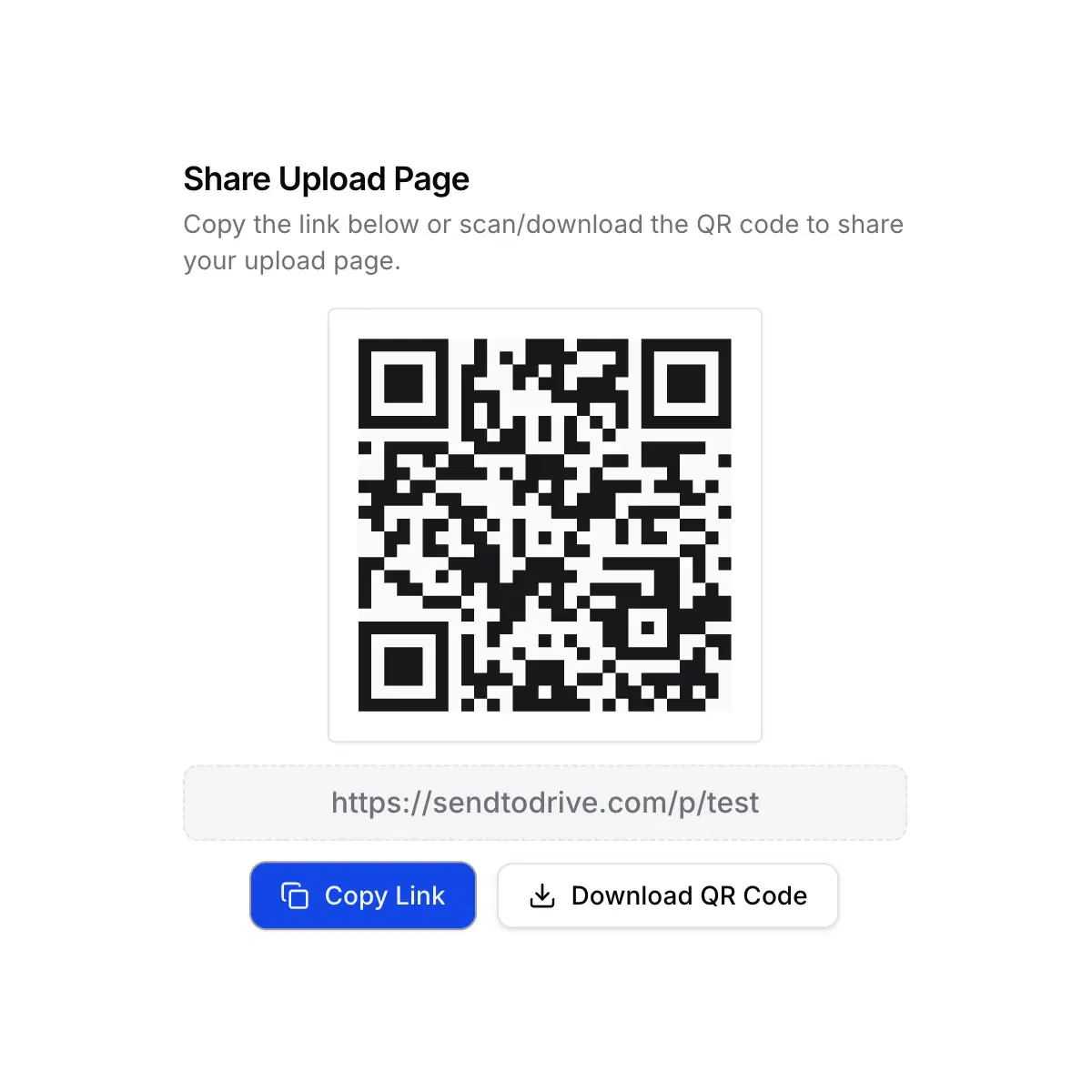
Upload files via link or QR code to Google Drive

Upload via Link or QR Code

Create a shareable upload link or QR code that allows anyone to upload files directly to your Google Drive.

This feature is perfect when you need a fast and accessible way to collect files from multiple people.

Why it matters:

  • No account required for uploaders
  • Easy to share via chat, email, or print
  • Ideal for classrooms, events, and remote teams
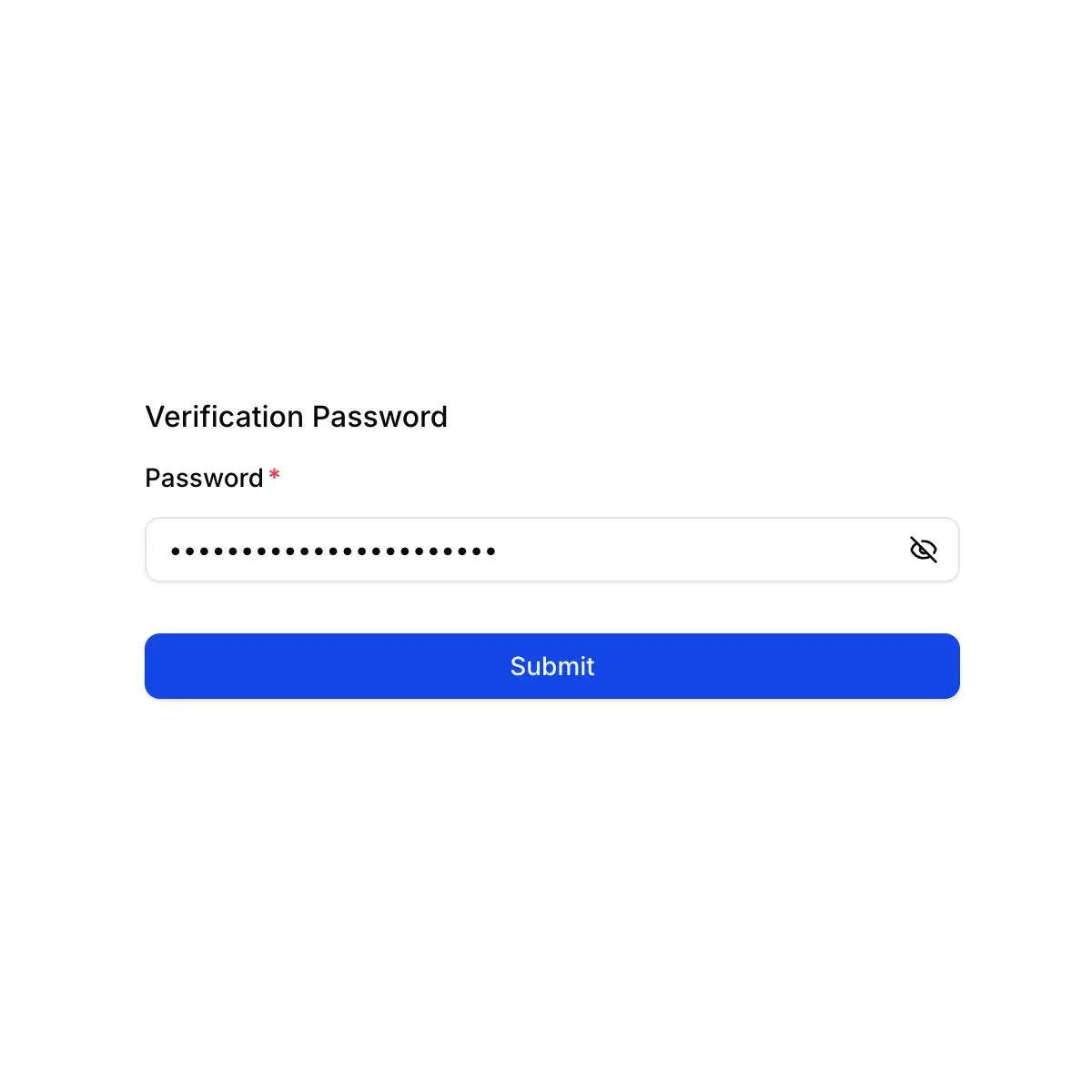
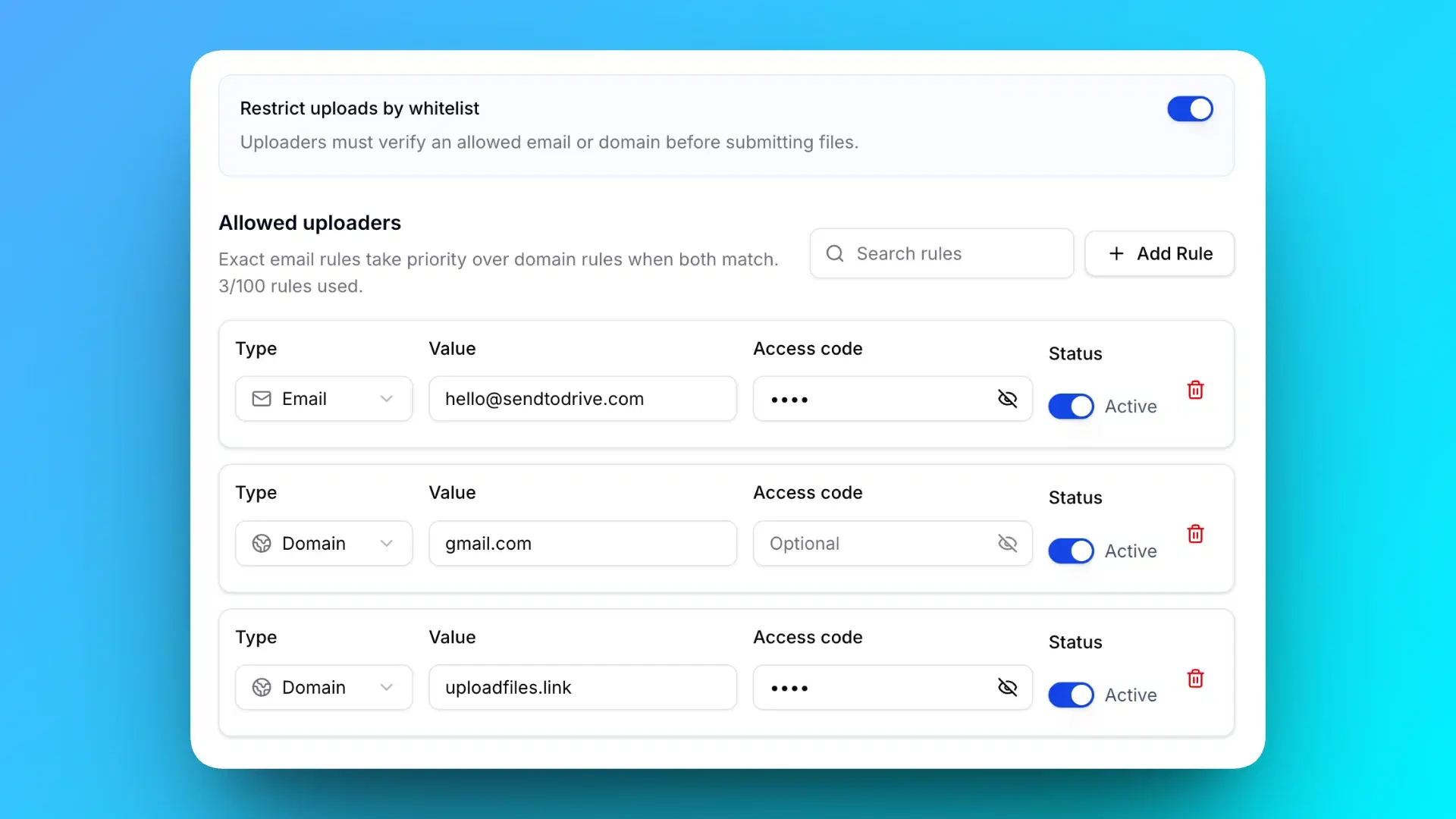
Password-Protected Upload Page

Add an extra layer of security by protecting your upload page with a password.

Why it matters:

  • Prevent unauthorized uploads
  • Safer file collection for sensitive documents
  • Simple security without complex setup
Password protected Google Drive upload page
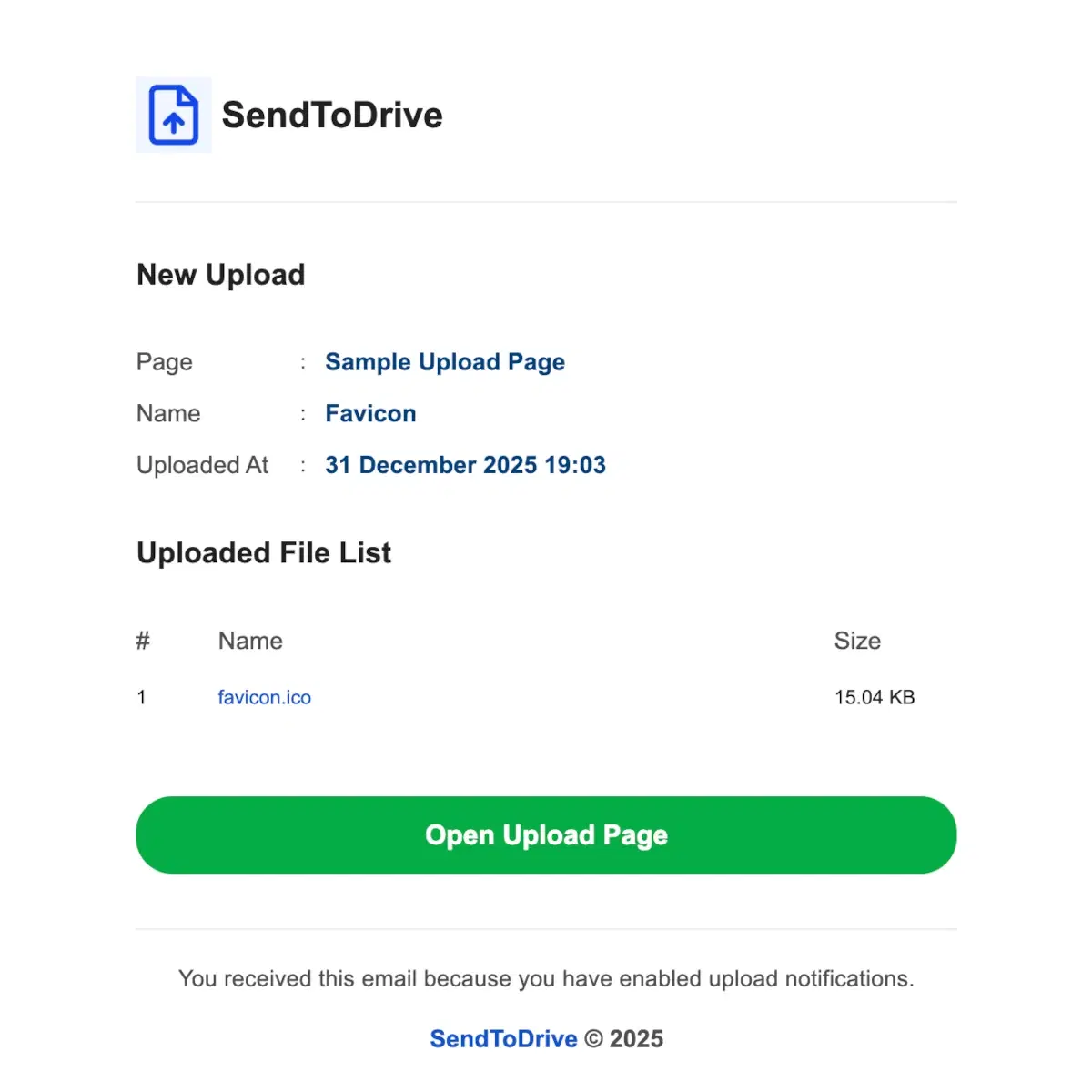
Email notifications for file uploads

Email Notifications

Get notified instantly whenever someone uploads files to your Google Drive.

SendToDrive keeps you informed so you never miss an important submission.

Why it matters:

  • Real-time upload alerts
  • Faster response to incoming files
  • No need to constantly check your Drive

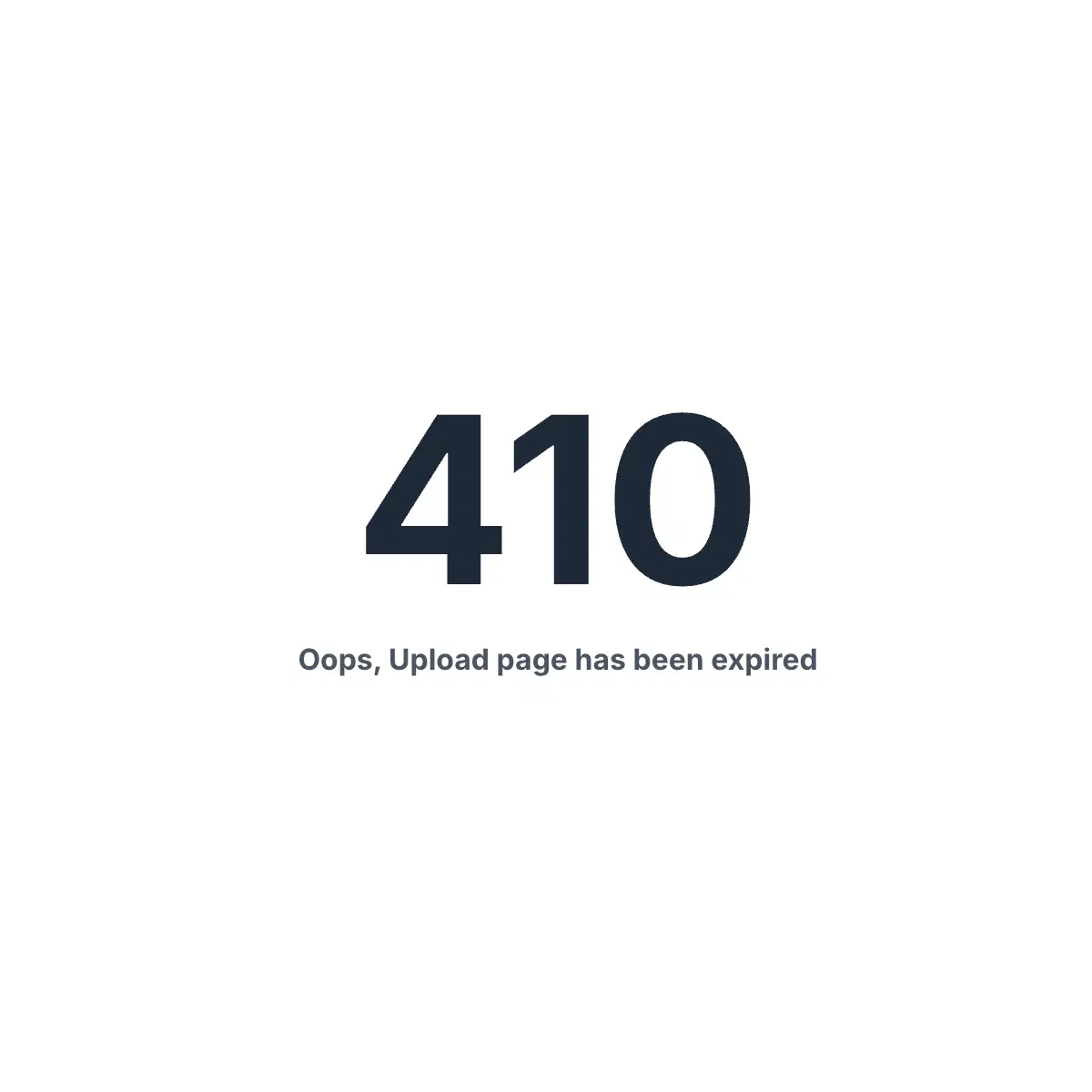
Expired Upload Pages

Set an expiration time for your upload pages so they automatically stop receiving files.

Once expired, the upload page is disabled and no longer accepts new uploads.

Why it matters:

  • Perfect for deadlines and assignments
  • Avoid late or unwanted uploads
  • Keep your workflow clean and organized
Expired upload page feature
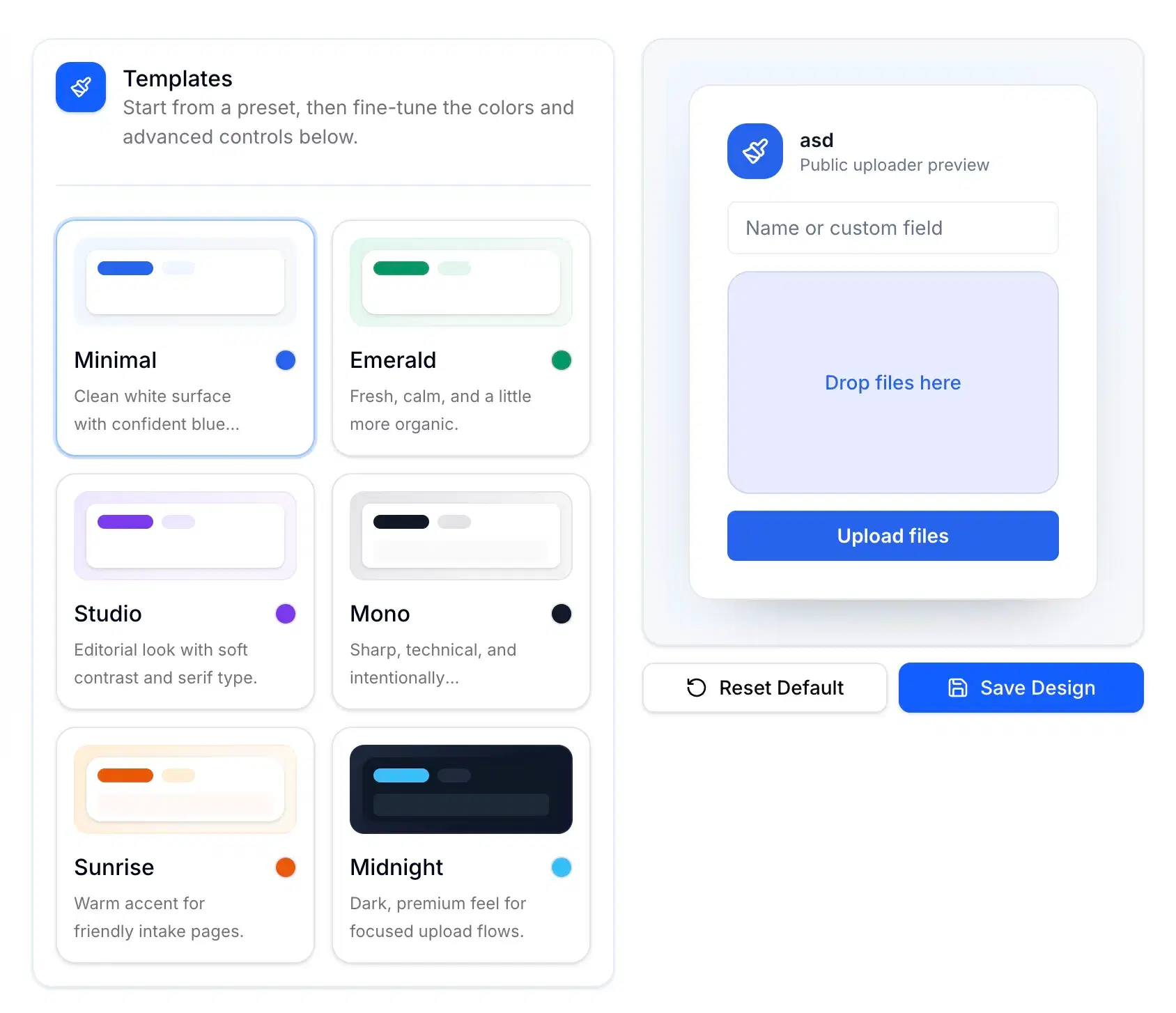
Custom branded upload page

Custom Branding

Customize your upload page with your logo and brand name to create a professional experience.

Your upload page will look consistent with your brand, helping build trust with clients and users.

Why it matters:

  • Professional and branded appearance
  • Increase credibility with clients
  • Great for freelancers and businesses

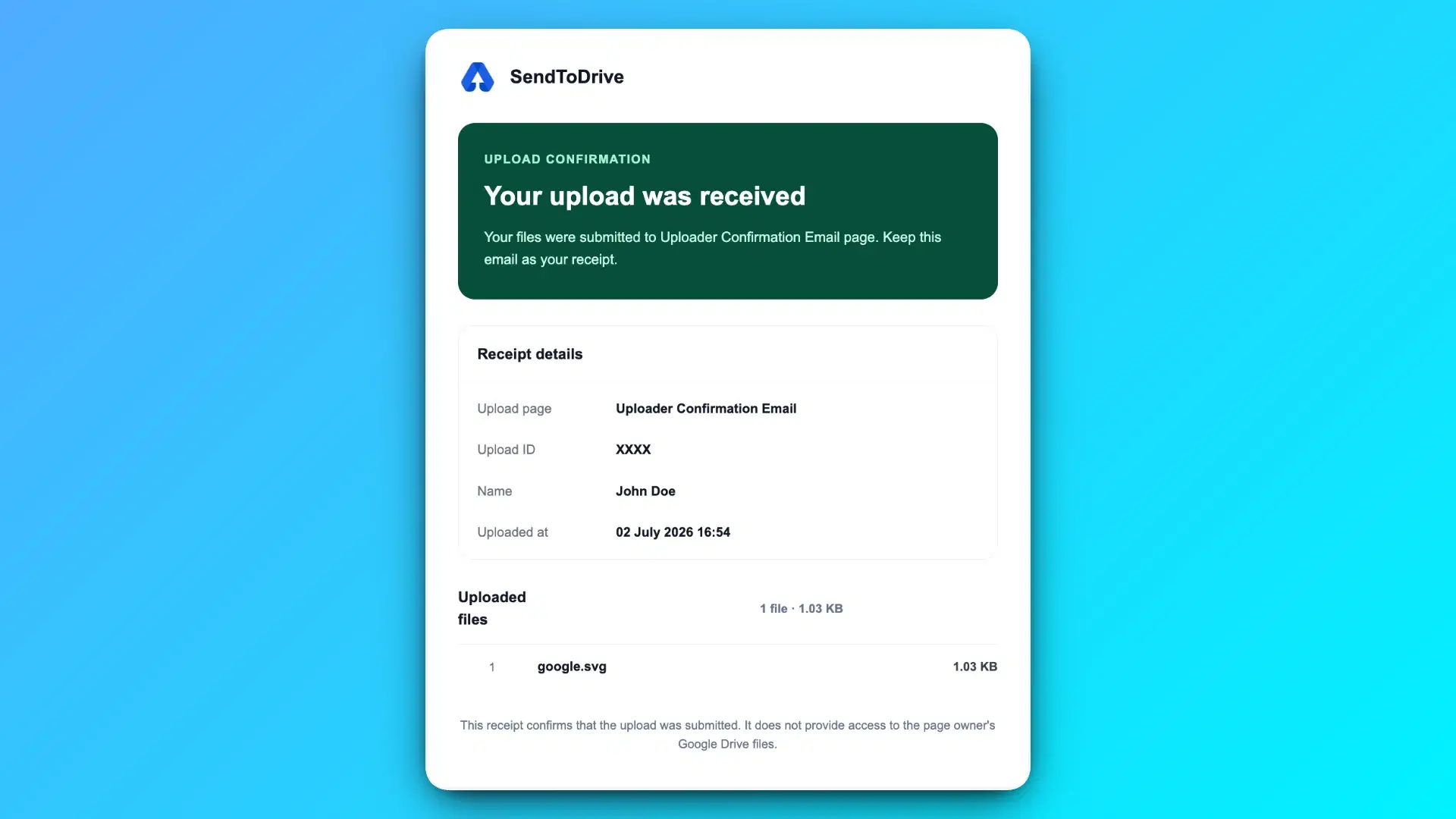
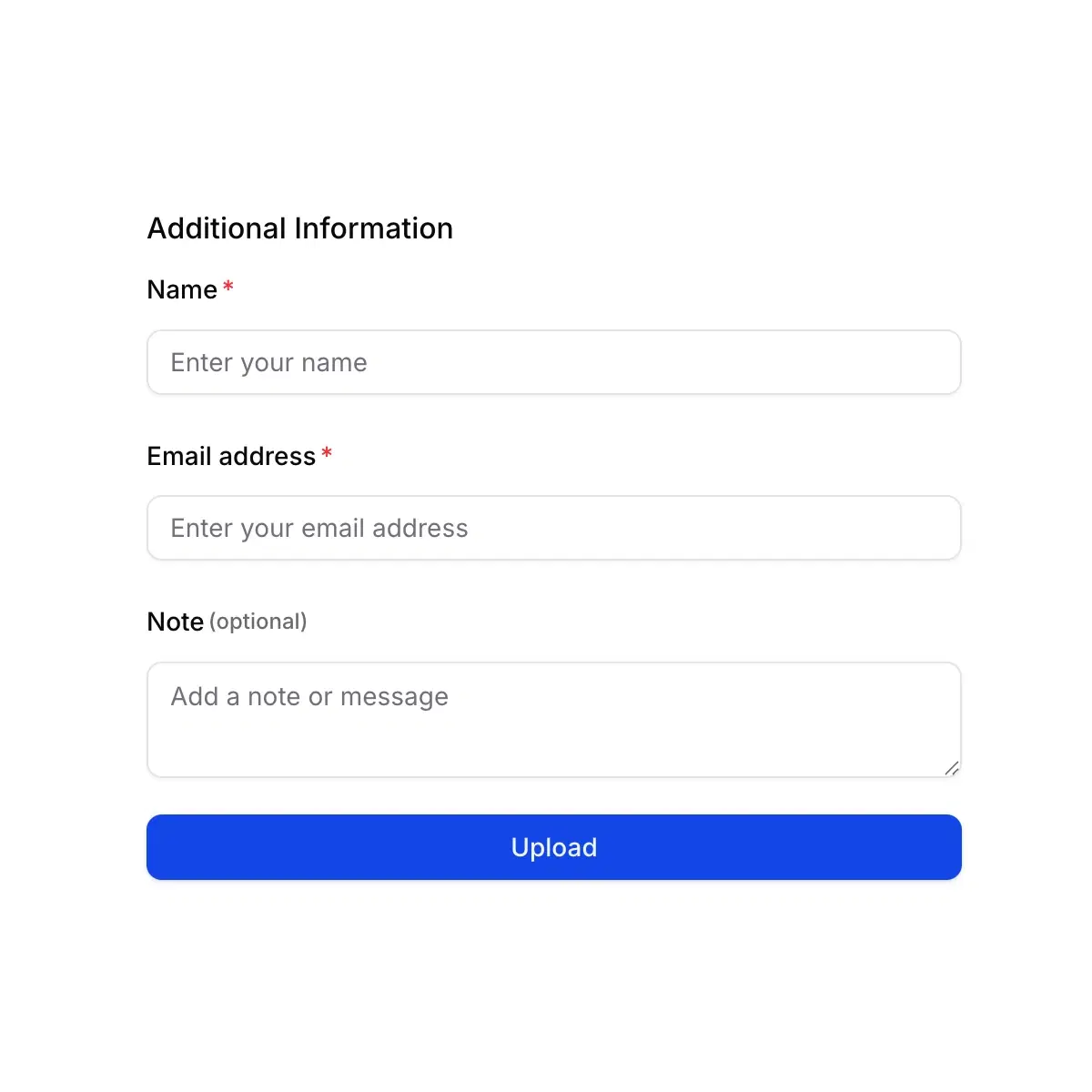
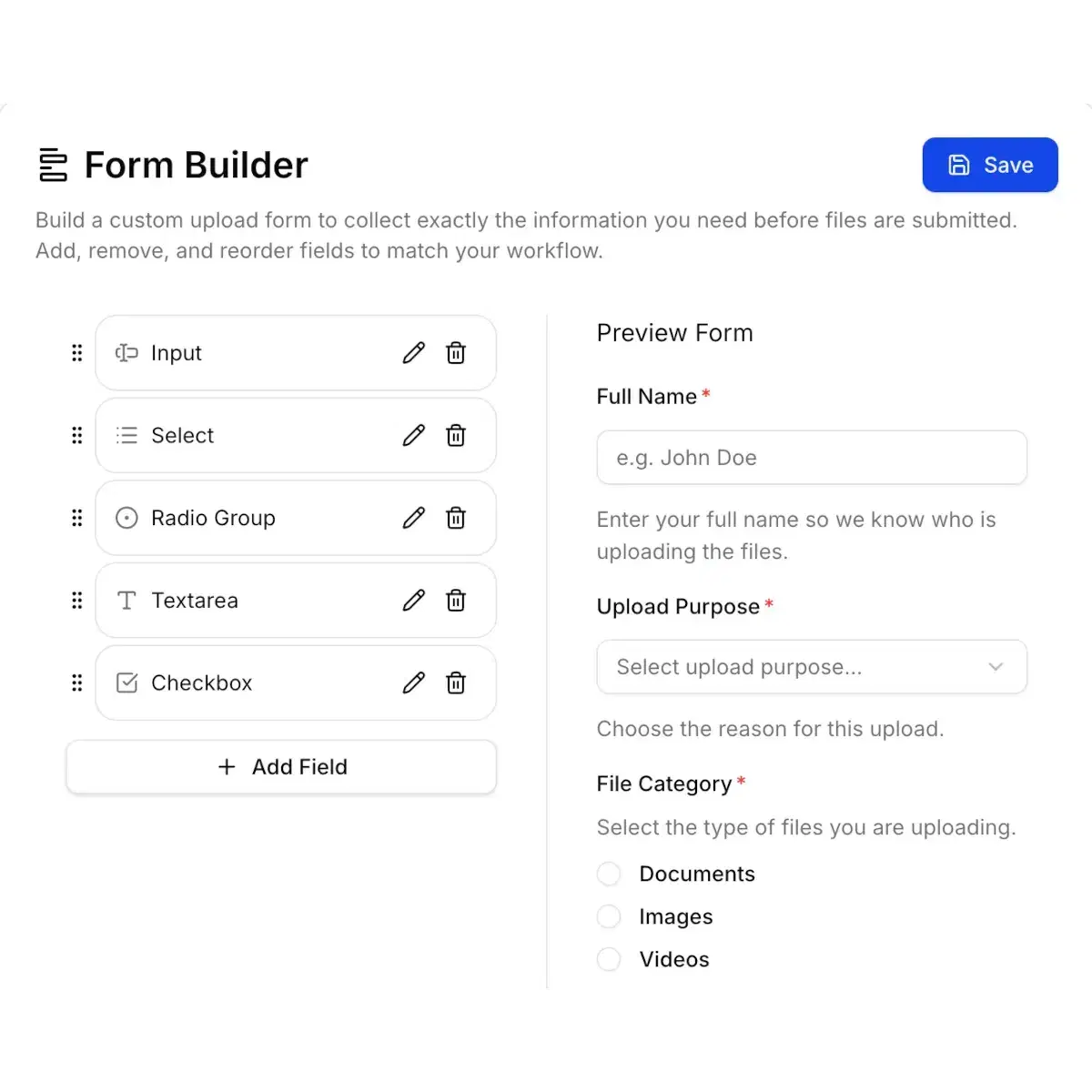
Collect Sender Information

Collect important sender details such as name, email address, and notes along with uploaded files.

This helps you understand who sent what and provides context for each upload.

Why it matters:

  • Easily identify file owners
  • Reduce back-and-forth communication
  • Better file organization and tracking
Collect sender information with uploads
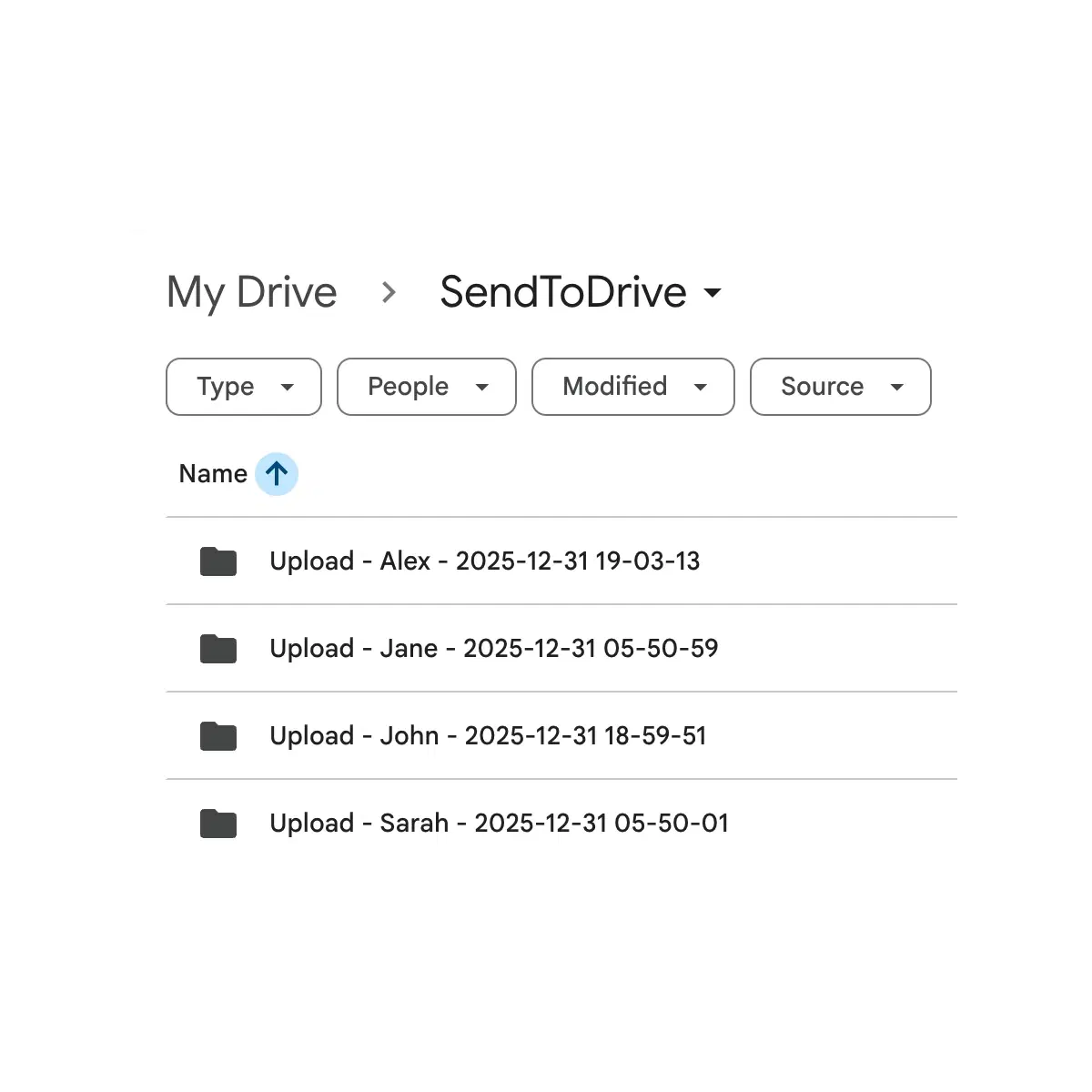
Automatic subfolder for each file upload in Google Drive

Automatic Subfolder per Upload

Automatically create a dedicated subfolder for each upload, keeping files neatly organized by uploader or submission.

Each upload is placed in its own folder, making it easy to review, manage, and share files without confusion.

Why it matters:

  • Keep files organized automatically
  • Avoid mixed or overwritten files
  • Perfect for multiple uploads and large submissions

Send Files to Your Google Drive

Create a secure upload link and let anyone upload files directly to your Google Drive — no login, no permission sharing.

© 2025 SendToDrive. All rights reserved.