File Upload Page for Clients: Best Practices
Best practices to create a professional file upload page for clients so you can collect documents securely and without friction.
Collecting files from clients is part of daily operations for many founders, educators, and small businesses. The challenge is not the request itself, but the process. A poorly designed system leads to lost attachments, confused users, and security risks.
A professional file upload page for clients should make file submission easy for them and organized for you.
Why Email and Shared Folders Are Not Enough
Traditional approaches usually rely on email attachments or public shared folders. Both methods come with serious limitations.
Common problems include:
- Email providers block large attachments
- Files get buried in long conversations
- Clients upload to the wrong shared folder
- You must manage access permissions manually
- Sensitive documents become visible to others
These issues waste time and reduce trust.
Characteristics of a Good File Upload Page for Clients
An effective file upload page focuses on simplicity and privacy.
It should provide:
- A single upload link
- No login requirement
- Clear upload instructions
- Mobile-friendly interface
- Direct delivery to your storage
When these elements are present, clients are more likely to complete uploads quickly.
Step-by-Step: Creating the Right Upload Experience
Create Your Upload Page in SendToDrive

Start inside SendToDrive by creating a dedicated upload page. Add a straightforward title and description so clients know exactly what files you need. Select the Google Drive folder where submissions should be saved.
You can also configure:
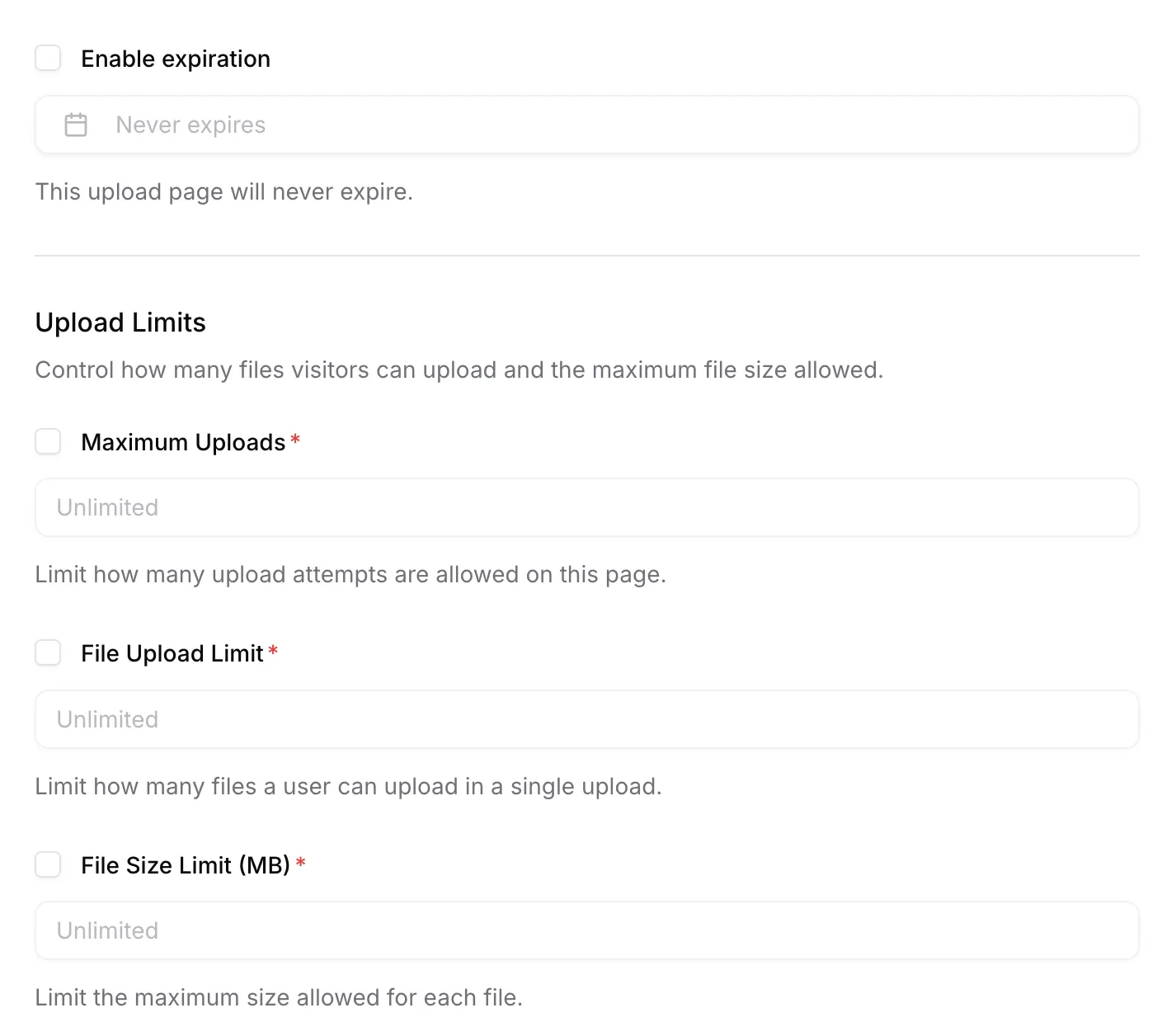
- Maximum file size
- Allowed file types
- Expiration dates
For confidential projects, enable password protection.

Share the Link Instead of Access

Send the generated link to your clients through any channel. They never gain access to your Google Drive, only to the upload interface.
Clients Upload Files Securely
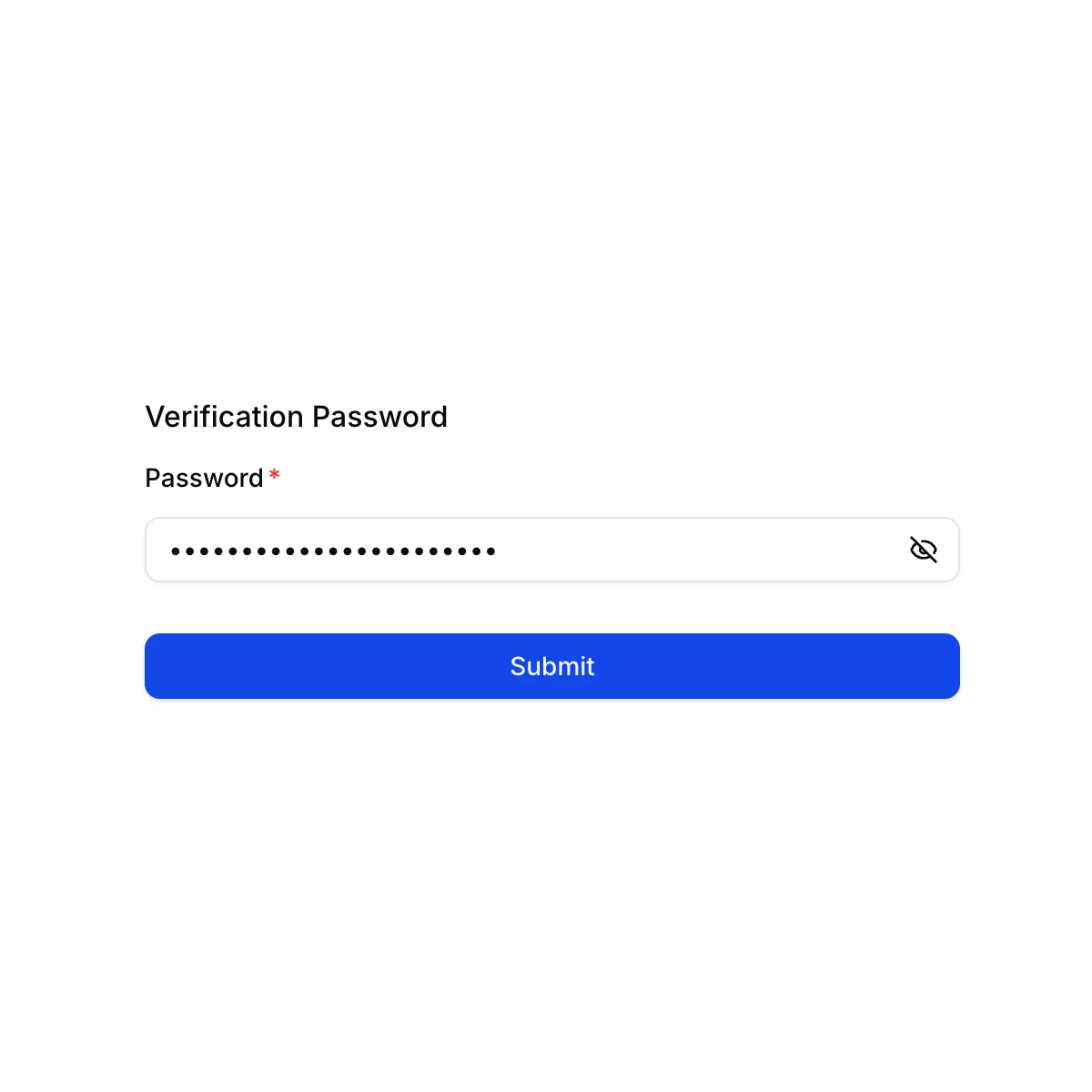
If password protection is enabled, clients must enter the correct password before seeing the form.

After that, they can upload files using a simple interface.
Files Arrive Organized

All files are delivered directly into your chosen Google Drive folder, organized and ready to use.
Rotating Use Cases
Education
Teachers can receive assignments and forms from students without requiring them to use Google accounts.
Real Estate
Agents can collect contracts, identity documents, and photos privately from buyers and sellers.
Religion
Community organizers can gather event registrations or donation proof through a protected upload page.
Security Considerations
A secure file upload page should always protect:
- Your internal storage access
- Existing files from being viewed
- Links from being abused
- Data in transit
Password-protected links add an additional layer of control when necessary.
Why SendToDrive Fits These Best Practices
SendToDrive helps founders, educators, and small businesses implement all of these practices without writing code.
It provides:
- Fast setup
- Secure link-based uploading
- Google Drive integration
- Optional password protection
- Upload limits
- No technical onboarding for clients
This makes it an ideal tool for anyone needing a professional file intake system.
FAQs
What makes a file upload page truly “best practice”?
It should allow external users to upload without giving them access to your Google Drive.
Do uploaders need to log in?
No. SendToDrive works entirely without logins.
Can I restrict uploads?
Yes. You can set limits on size and file types.
Is password protection supported?
Yes. You can enable password-protected upload links.
Final Thoughts
A well-designed file upload page for clients improves workflows and builds professional trust. Focus on link-based collection, privacy, and automatic organization.
👉 Try SendToDrive to create secure upload links in minutes.