Create a Secure File Upload Link in Minutes
Learn how to create a secure, password-protected file upload link in minutes without logins, shared folders, or complex setup.
Sending files is easy. Receiving files securely is where most workflows break down.
Teams still rely on email attachments, shared folders, or tools that require accounts and permissions. These approaches slow people down and increase the risk of exposing sensitive files.
A better solution is a secure file upload link—with optional password protection—that lets anyone upload files safely without accessing your storage.
Why Secure File Uploads Are Still a Problem
Most file collection methods give uploaders more access than they should.
Common issues include:
- Shared folders expose internal files
- Uploaders request Drive access
- Email attachments are unreliable and insecure
- Sensitive documents end up scattered
Security problems usually come from over-sharing, not from a lack of tools.
What a Secure File Upload Link Really Is
A secure file upload link works differently from shared folders.
Instead of granting access to your storage, you provide a one-way upload page. Uploaders can submit files, but they cannot see, browse, or modify anything else.
For additional control, the upload page can be password-protected, so only people with the password can upload files.
A proper secure file upload link includes:
- No login required for uploaders
- No visibility into your files or folders
- A controlled destination folder
- Optional password protection
- Optional limits (file size, expiration)
This approach keeps uploads simple while protecting your data.
How to Create a Secure File Upload Link
Create an Upload Page

Start by creating an upload page. Set a title and description, then choose the destination folder in your Google Drive. This is where all uploaded files will be stored automatically.
You can also configure upload rules such as file size limits or an expiration date.
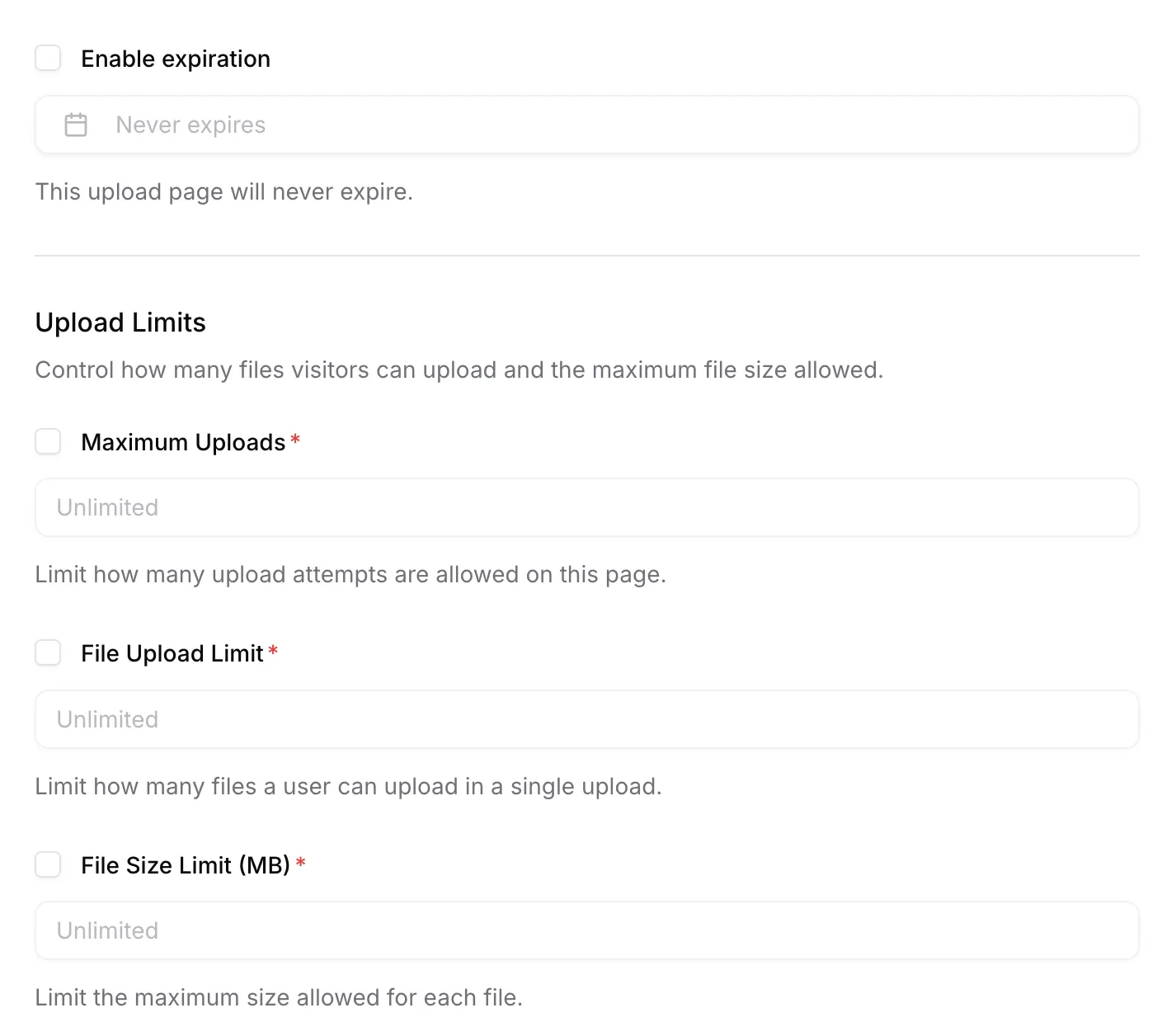
If you are collecting sensitive files, you can enable password protection to restrict access to the upload page.

Share the Upload Link

Once the upload page is ready, share the link via email, chat apps, or embed it on your website. Uploaders do not need a Google account and never get access to your Google Drive.
Let Others Upload Files Securely
If password protection is enabled, uploaders will be asked to enter the password before they can proceed.
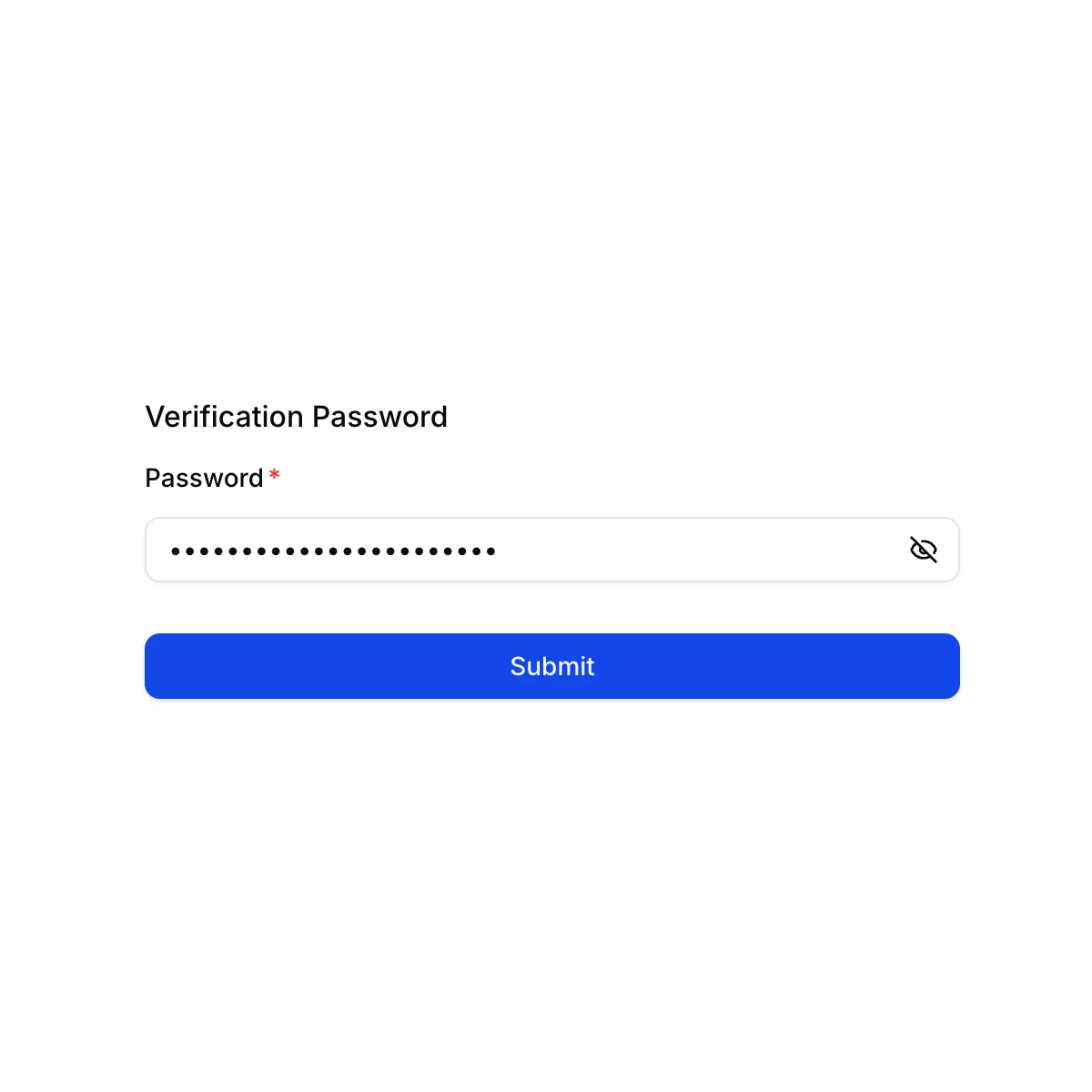
After entering the correct password, the uploader will see the upload form.

The interface is simple and focused. Users can upload files but cannot see other submissions or browse your folders.
Files Go Straight to Google Drive

All uploaded files are saved automatically to your selected Google Drive folder, neatly organized and ready to use—no manual downloads required.
When a Secure Upload Link Makes Sense
Finance & Legal Teams
Sensitive documents such as contracts and reports require controlled access. A secure upload link reduces exposure compared to email or shared folders.
HR Teams
HR departments collect resumes, portfolios, and onboarding documents. A protected upload page keeps candidate data private and centralized.
Real Estate
Agents collect IDs, contracts, and property documents from clients. A secure upload link makes the process simple and professional.
A Safer Way to Receive Files
SendToDrive is designed for secure file uploads without complexity.
With SendToDrive:
- Uploaders never access your Google Drive
- Files go directly into your folders
- Password protection adds an extra security layer
- No accounts or permissions are required
- Setup takes only minutes
It gives you control without slowing people down.
Frequently Asked Questions
Is a secure file upload link really secure?
Yes. Uploaders can only submit files. They cannot view, download, or modify anything in your Google Drive.
Do uploaders need a Google account?
No. Anyone can upload files using the link.
Can I protect the upload link with a password?
Yes. You can enable password protection so only people with the correct password can upload files.
Where are uploaded files stored?
Files are saved directly to your Google Drive folder.
Final Thoughts
A secure file upload link is one of the simplest ways to receive files without risking your data or slowing people down. Instead of sharing access, you control the entry point.
👉 Try SendToDrive and create a secure file upload link in minutes.