Allow Others to Upload Files to Google Drive (No Login Required)
Google Drive is great for storage and collaboration — but it’s not designed for collecting files from other people.
If you’ve ever tried to allow others to upload files to your Google Drive, you’ve probably faced problems like login requirements, confusing permissions, or shared folders exposing existing files.
This page shows a simpler and safer way to allow others to upload files to your Google Drive, without login, without folder sharing, and without permission risks.
Why Google Drive Makes File Uploads Complicated
Google Drive’s default method is folder sharing. While it works for small teams, it breaks down quickly when you need to collect files from many people.
Common issues:
- Uploaders must sign in with a Google account
- Shared folders reveal existing files
- Users can accidentally delete or edit files
- Not suitable for clients, applicants, or public uploads
If your goal is file collection, folder sharing isn’t the right tool.
The Traditional Way: Sharing a Google Drive Folder
Google allows uploads by sharing a folder and granting edit access.
This works when:
- You know the uploader
- You trust them
- You only receive a few files
But for collecting files at scale, this method becomes slow, risky, and hard to manage.
A Better Way to Allow Others to Upload Files to Google Drive
Instead of sharing folders, you can use a dedicated upload link connected directly to your Google Drive.
With SendToDrive, you create one upload page and share the link with anyone. Uploaders can only upload files — nothing else.
They:
- Don’t need a Google account
- Don’t see your Drive folders
- Can’t edit or delete files
You stay in full control.

How It Works
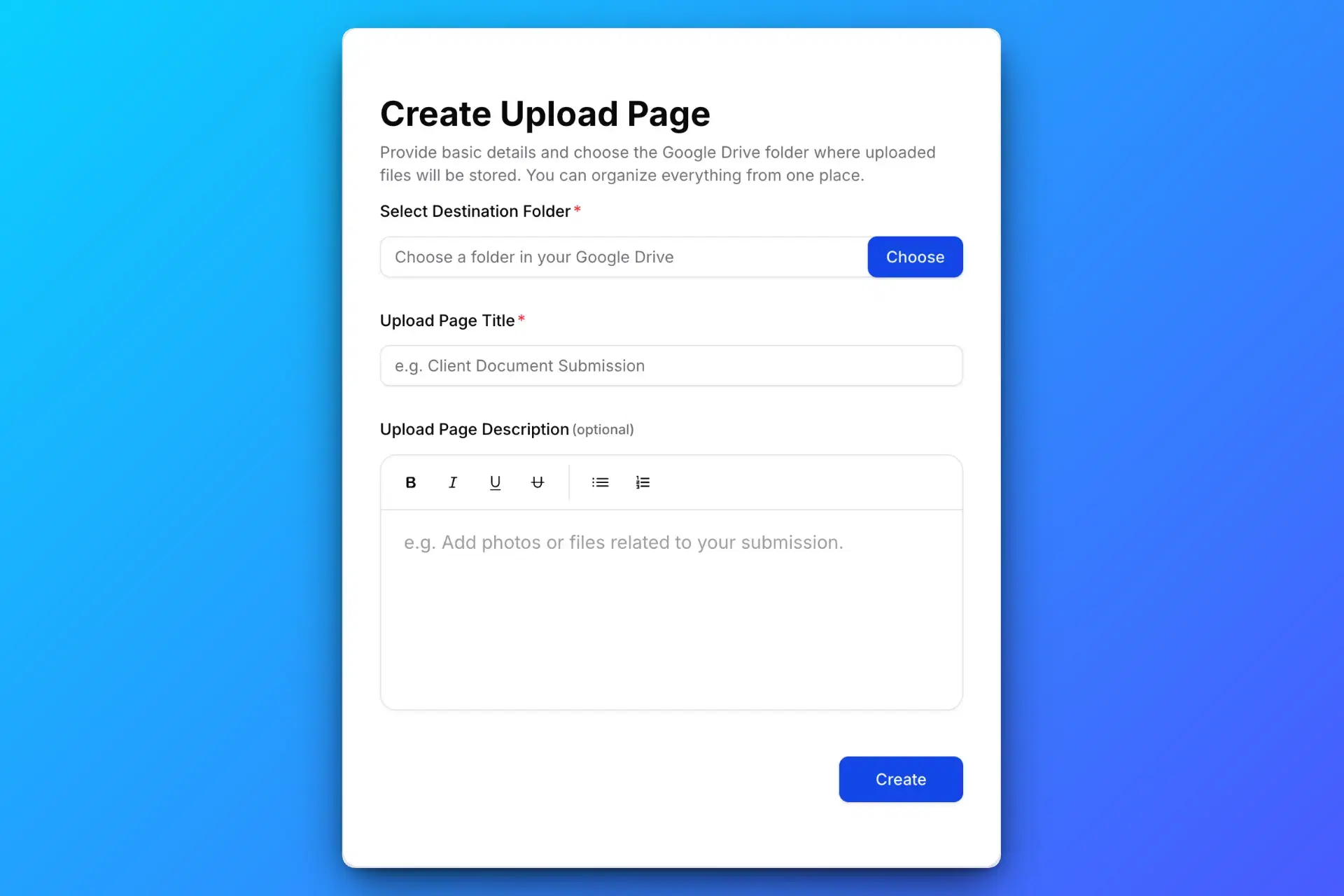
1. Create a Google Drive Upload Page
Create a secure Google Drive upload page using SendToDrive to collect files in one place.
2. Share the Upload Link or QR Code
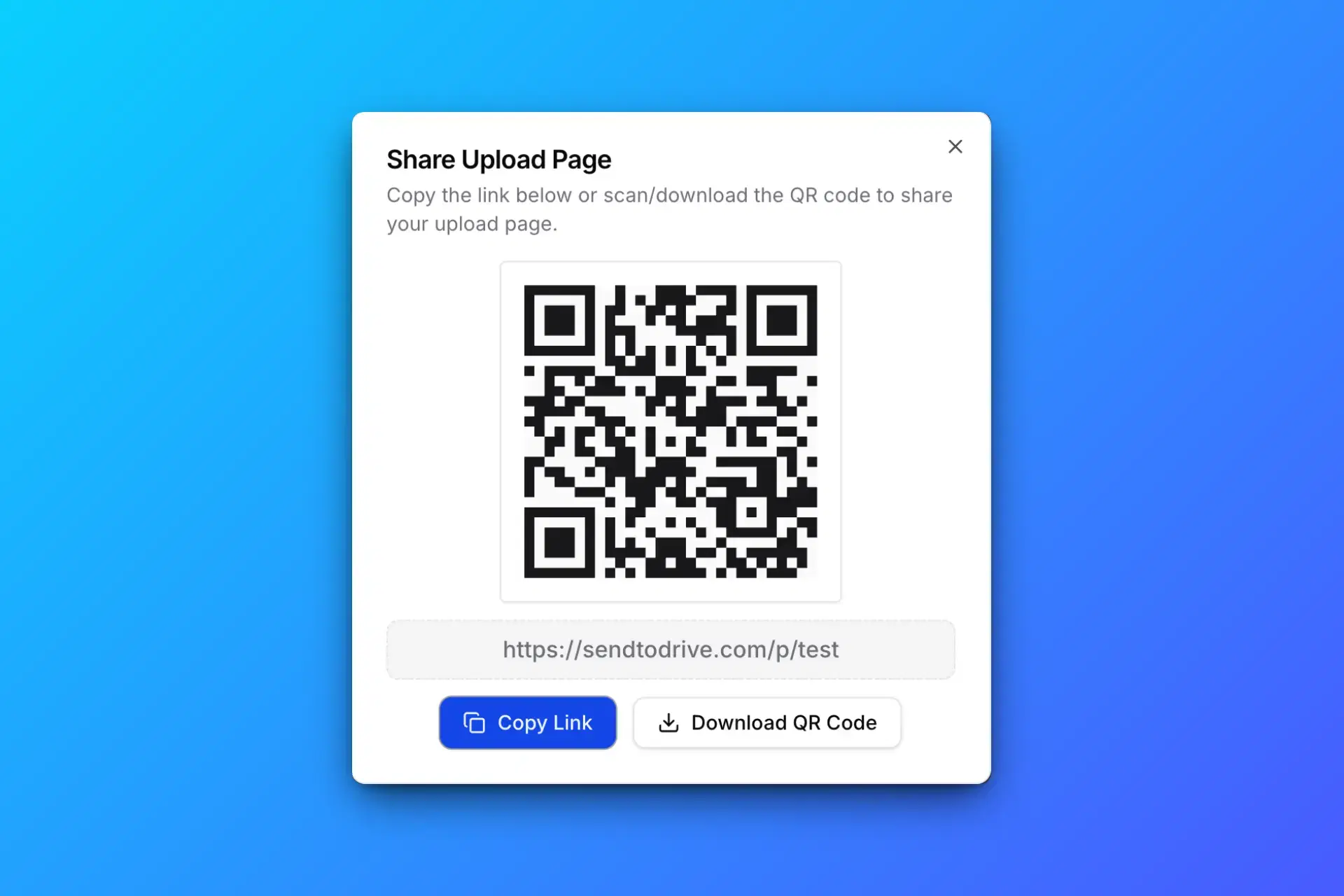
Share your Google Drive upload link or QR code with clients, teams, or anyone who needs to upload files.
3. Others Upload Files Without Login
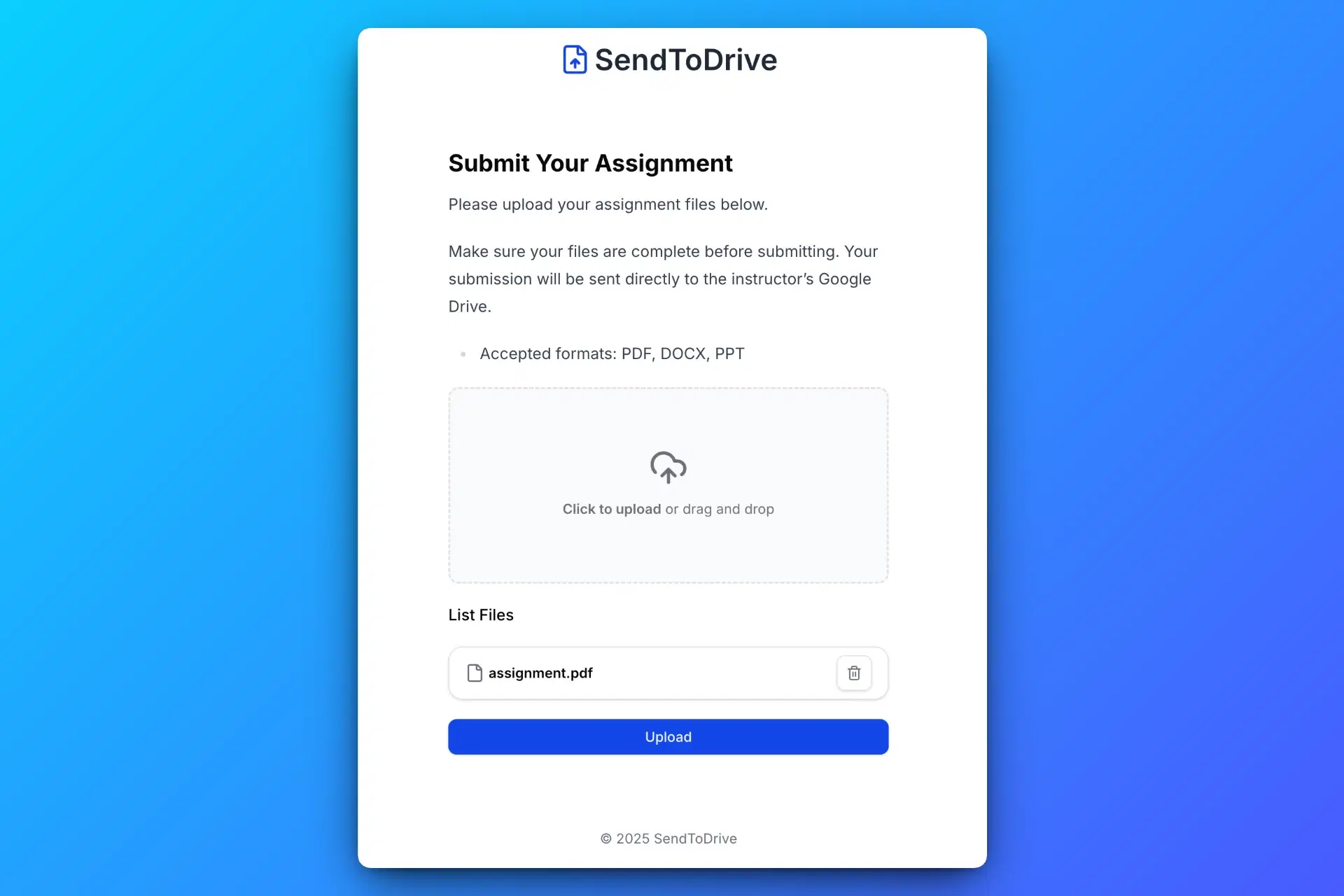
Anyone with the link or QR code can upload files to your Google Drive without logging in or requesting access.
4. Receive Files Directly in Your Google Drive
All uploaded files are automatically saved to your Google Drive, organized and ready to use.
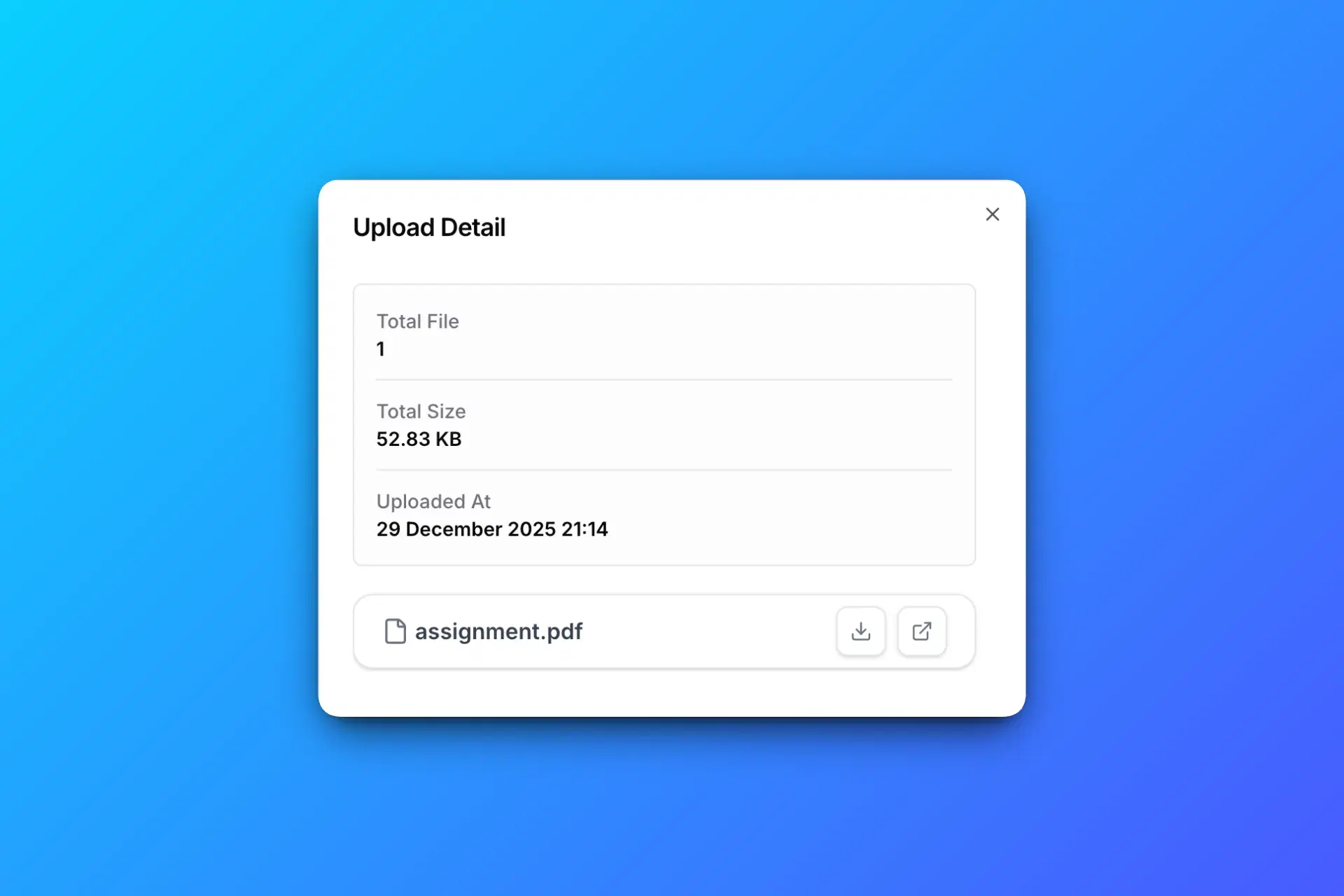
Every uploaded file goes straight into your Google Drive.
Upload Files Without Giving Folder Access
This is the biggest difference.
- Keeps your Drive private
- Prevents permission mistakes
- Ensures upload-only access
Perfect for collecting files safely from people you don’t know.
Common Use Cases
Clients & Customers
Collect documents, designs, or deliverables without email attachments.
Job Applications
Receive resumes and portfolios securely.
Students & Assignments
Allow uploads without Google accounts or login issues.
Events & Offline Collection
Use QR codes to collect photos or files at events.
Is It Secure?
Yes.
- Files go directly to your Google Drive
- You remain the file owner
- Google Drive security and storage rules apply
- Upload links can be disabled anytime
- No files are stored publicly or shared with other uploaders
Upload Link vs Folder Sharing
| Feature | Upload Link | Folder Sharing |
|---|---|---|
| Google login required | No | Yes |
| View existing files | No | Yes |
| Risk of deletion | No | Yes |
| Best for collecting files | Yes | No |