

Send Files to Your Google Drive
SendToDrive is a Google Drive uploader app that lets anyone send files directly to your Google Drive without login or permission sharing. Fast, secure, and ideal for collecting files from clients, teams, or customers.

Why SendToDrive?
Collecting files shouldn’t feel complicated. SendToDrive helps you receive files faster, cleaner, and without friction — directly into your Google Drive.
No Login Required
Anyone can upload files instantly. No account, no signup, no friction.
Shareable Links & QR Codes
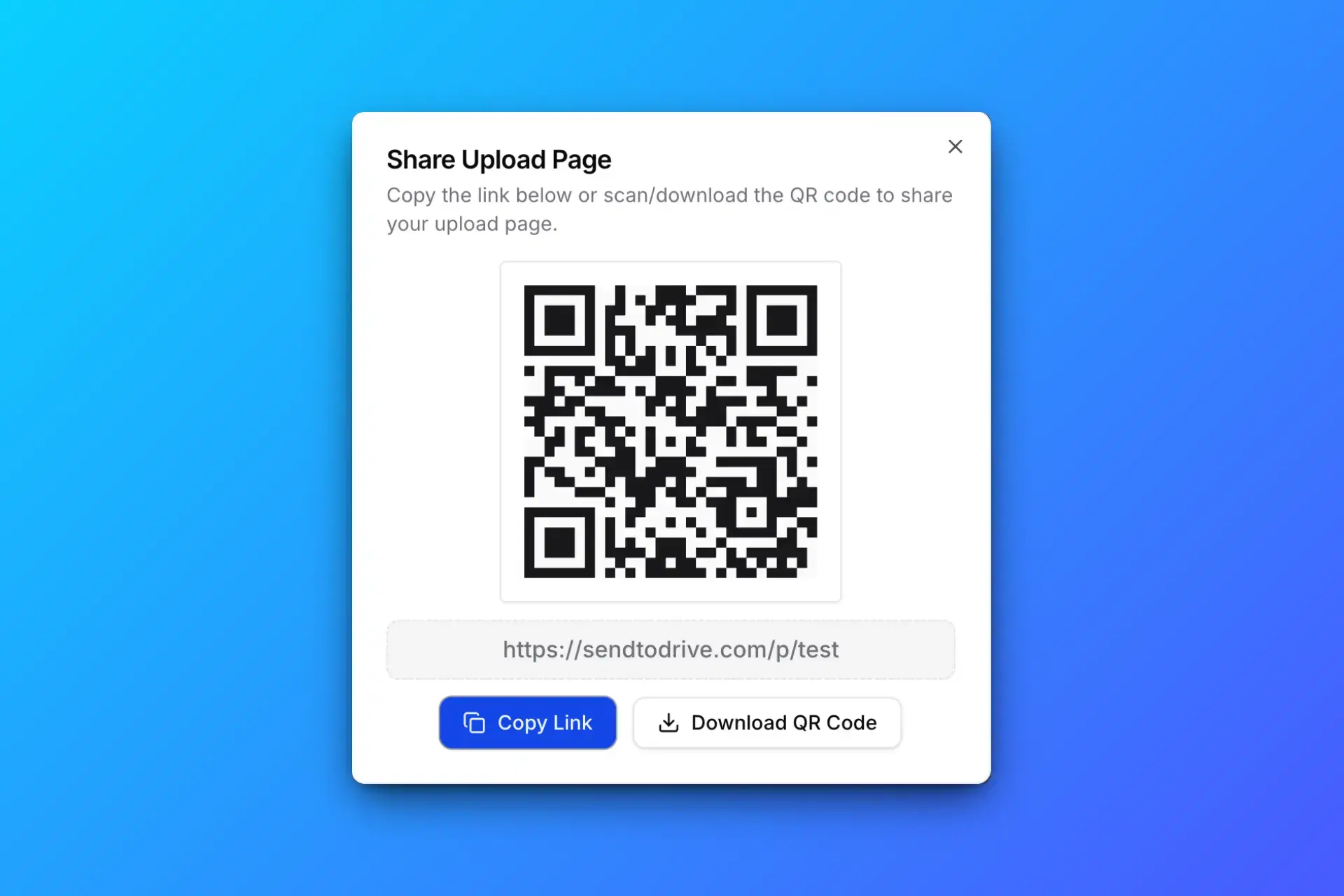
Create upload links or QR codes in seconds and share them anywhere.
Auto-Organized Files
Each upload can go into its own subfolder, keeping your Drive clean.
Faster Workflow
No back-and-forth emails or “file too large” issues. Just upload.
Secure & Private
Files go directly to your Google Drive. You stay in full control.
Works for Any Use Case
Client files, job applications, event submissions, or internal teams.
How it works
Create an upload page, share the link, and collect files directly in your Google Drive.
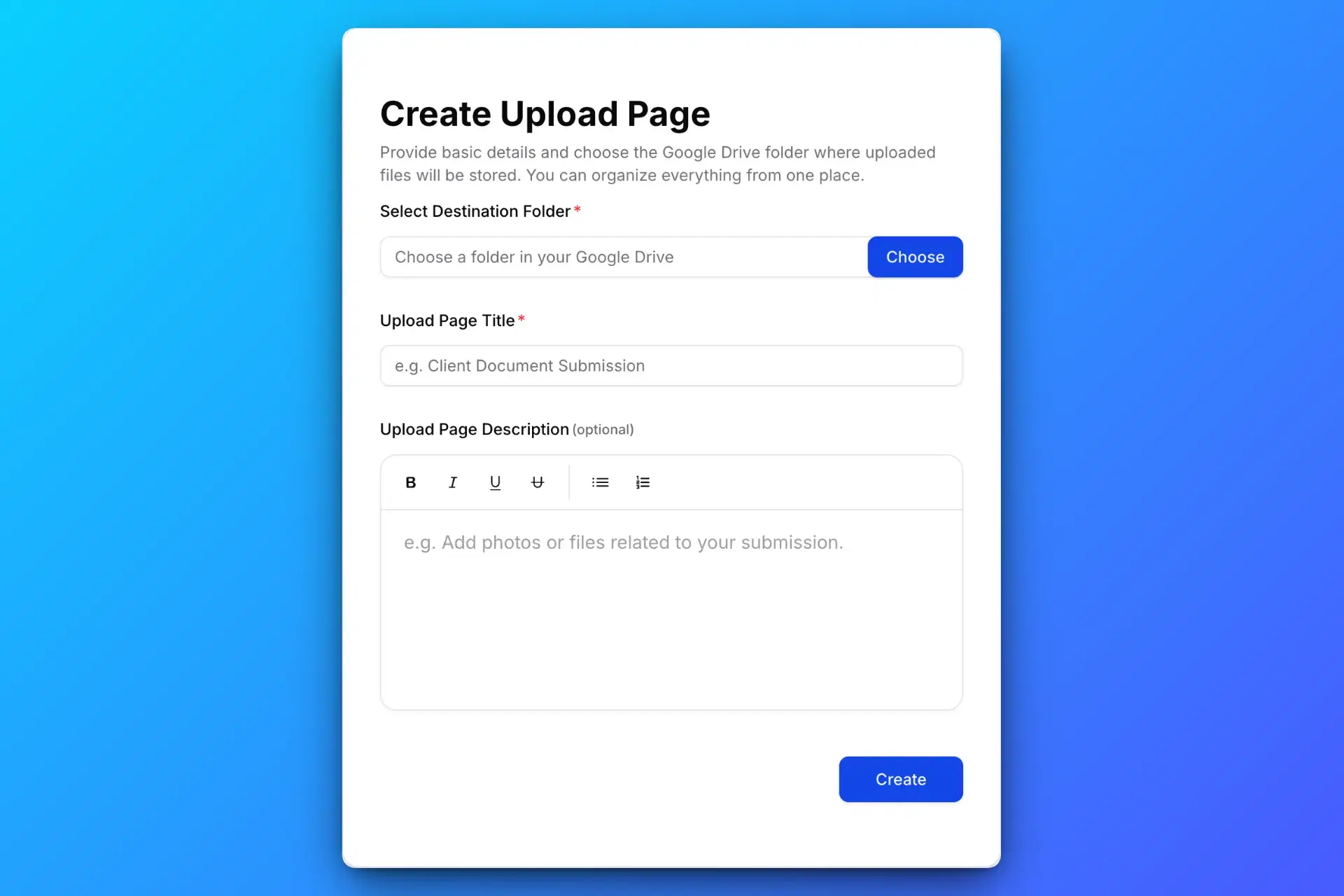
Create a Google Drive Upload Page
Create a secure Google Drive upload page using SendToDrive to collect files in one place.

Share the Upload Link or QR Code
Share your Google Drive upload link or QR code with clients, teams, or anyone who needs to upload files.

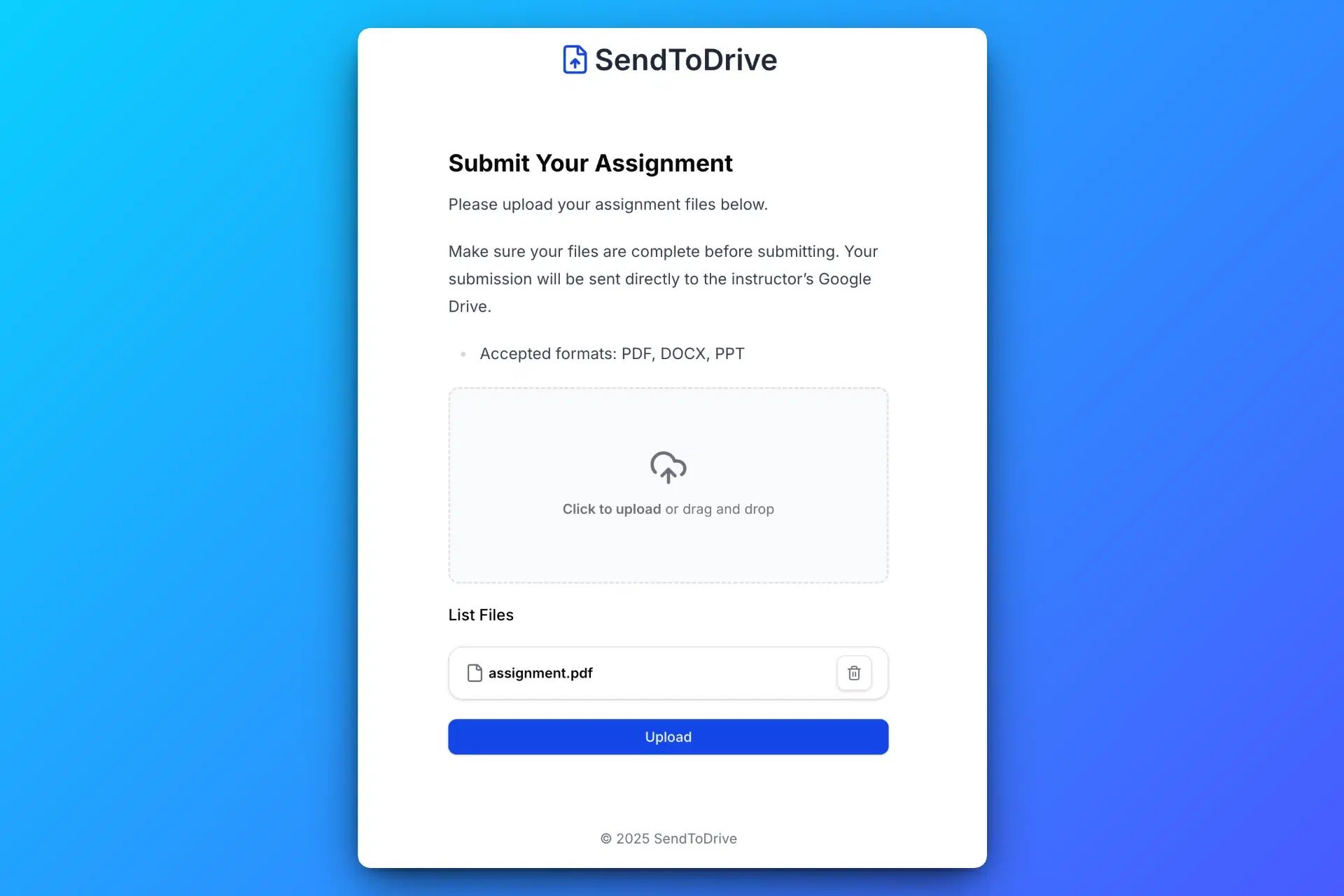
Others Upload Files Without Login
Anyone with the link or QR code can upload files to your Google Drive without logging in or requesting access.

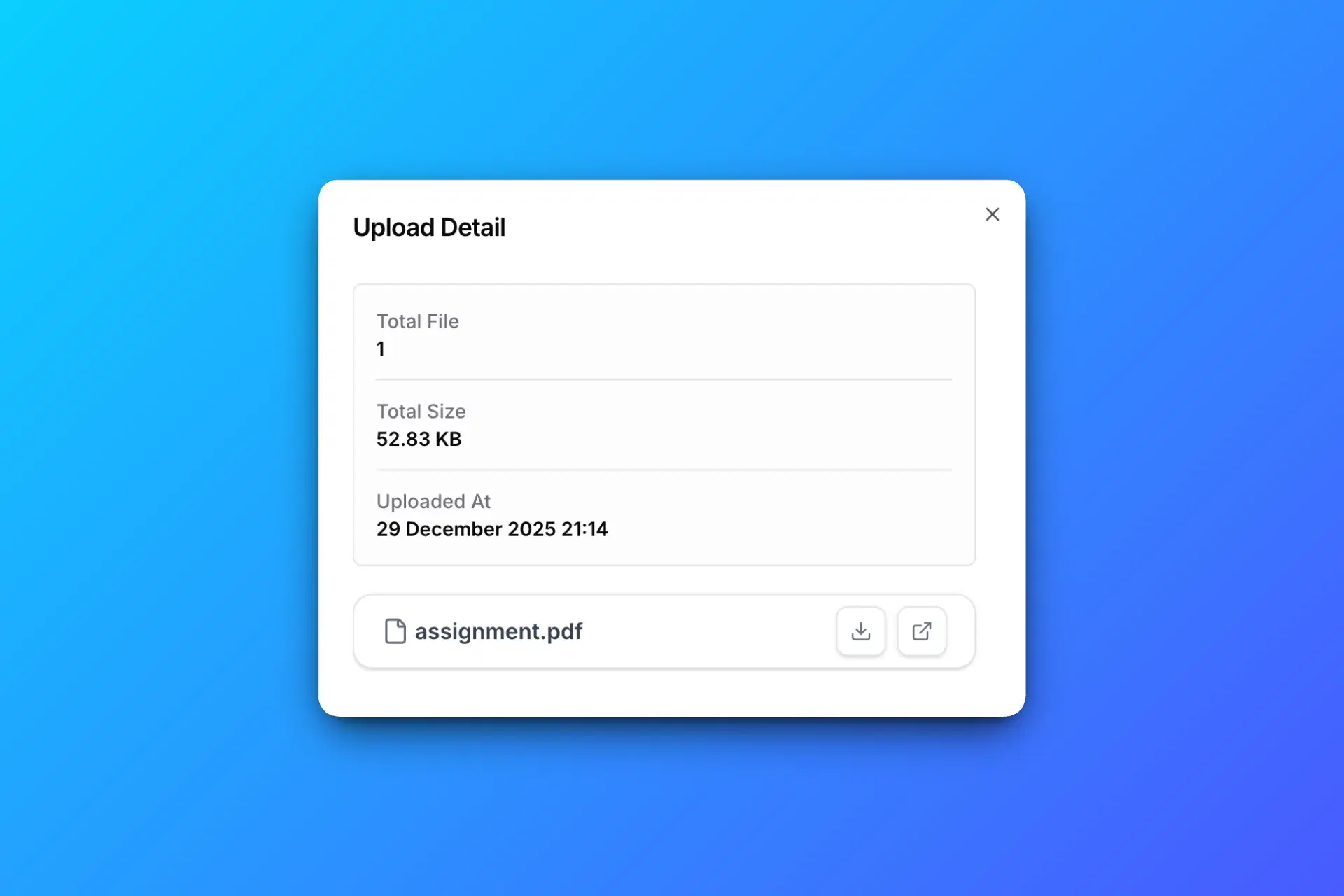
Receive Files Directly in Your Google Drive
All uploaded files are automatically saved to your Google Drive, organized and ready to use.

Features
Everything you need to collect files securely and directly in your Google Drive.
Upload via Link or QR Code
Create a Google Drive upload link or QR code that lets anyone upload files directly to your Google Drive.
Password-Protected Upload Page
Secure your Google Drive upload page with a password to control who can send files.
Email Notifications
Get instant email notifications whenever someone uploads files to your Google Drive.
Expired Upload Pages
Set an expiration time for your upload page to automatically stop receiving files.
Custom Branding
Customize your upload page with your logo and brand name for a professional client experience.
Collect Sender Information
Collect sender details like name, email, and notes along with uploaded files.
Pricing
Simple and transparent pricing for sending files directly to your Google Drive. No hidden fees, cancel anytime.
Free
- 1 Upload Page
- Unlimited Uploads per Page
- Unlimited Files per Upload
- No File Size Limit
- Collect Uploader Info (name, email, note)
- Supports All Common File Types
- Upload Pages Expire After 7 Days
- Share Upload Pages via QR Code
Premium
- All Free Plan Features Included
- Unlimited Upload Pages
- Smart Upload Organization
- Password Protection
- Unlimited & Custom Expiration
- Email Notifications
- Export Upload Reports
- Custom Branding
Cancel anytime. No long-term commitment.
Google Drive Uploader FAQ
Common questions about sending files to your Google Drive using SendToDrive.
Send Files to Your Google Drive
Create a secure upload link and let anyone upload files directly to your Google Drive — no login, no permission sharing.