
Wedding memories
StudioLet every guest add their favourite photos and videos to your big day.
Collect documents, photos, and videos from clients, guests, or colleagues in your chosen Drive folder. You connect your Google account; senders open your upload page, choose files, and upload in their browser.
Try one upload page free for 24 hours. A paid plan keeps it available after the trial.

Examples of file requests
Preview requests for client assets, assignments, guest photos, and more. These illustrative pages use SendToDrive design templates; separate file fields and custom branding require a paid plan.
Let every guest add their favourite photos and videos to your big day.
One familiar place for coursework, class projects, and final submissions.
Collect project details, briefs, and brand assets with a structured intake form.
Bring everyone's shots, footage, and creative work together after the show.
Gather candidate details, CVs, portfolios, and certificates in separate fields.
Collect property details, listing photos, and floor plans in one organised submission.
Receive print-ready artwork with order details and finishing instructions.
Keep expense details, itemized receipts, and supporting invoices together.
Get guest bios, headshots, and audio files ready for the next episode.
Swipe or drag to explore
Show Wedding memories, example 1 of 9
Choose a design, then set the fields and file rules for your request.

If you’re trying to decide between Dropbox or WeTransfer but already pay for Google Drive storage, there’s no need to use another subscription model. SendToDrive worked exactly how I wanted it to. I’m a photographer and used it with a second shooter. I just sent him the link, and the files showed up directly in my folder. He didn’t use any of his own storage, and I didn’t have to download anything extra. It works seamlessly with my Google Workspace. Honestly, what a dream. I’m genuinely so happy I found this. I’ve already upgraded to the premium plan.
Nikki Allen
Studio Owner at Spilt Coffee Studio
Give people one place to send the files you need, with their details alongside each submission. Receive files in Google Drive without downloading email attachments and uploading them again.
Senders can upload without a Google or SendToDrive account, subject to the access rules you set for the page.
Send your upload link by email or chat, or share its QR code at an event.
Select a Drive folder for your page. On a paid plan, configure subfolders and routing to organise submissions.
Ask for a project name, contact details, or notes so you can identify each submission.
Your upload link lets people send files without granting access to browse the destination folder.
Collect a client brief and assets, student assignments, or photos from event guests.
You set up the destination and request. Senders follow your link and upload their files.
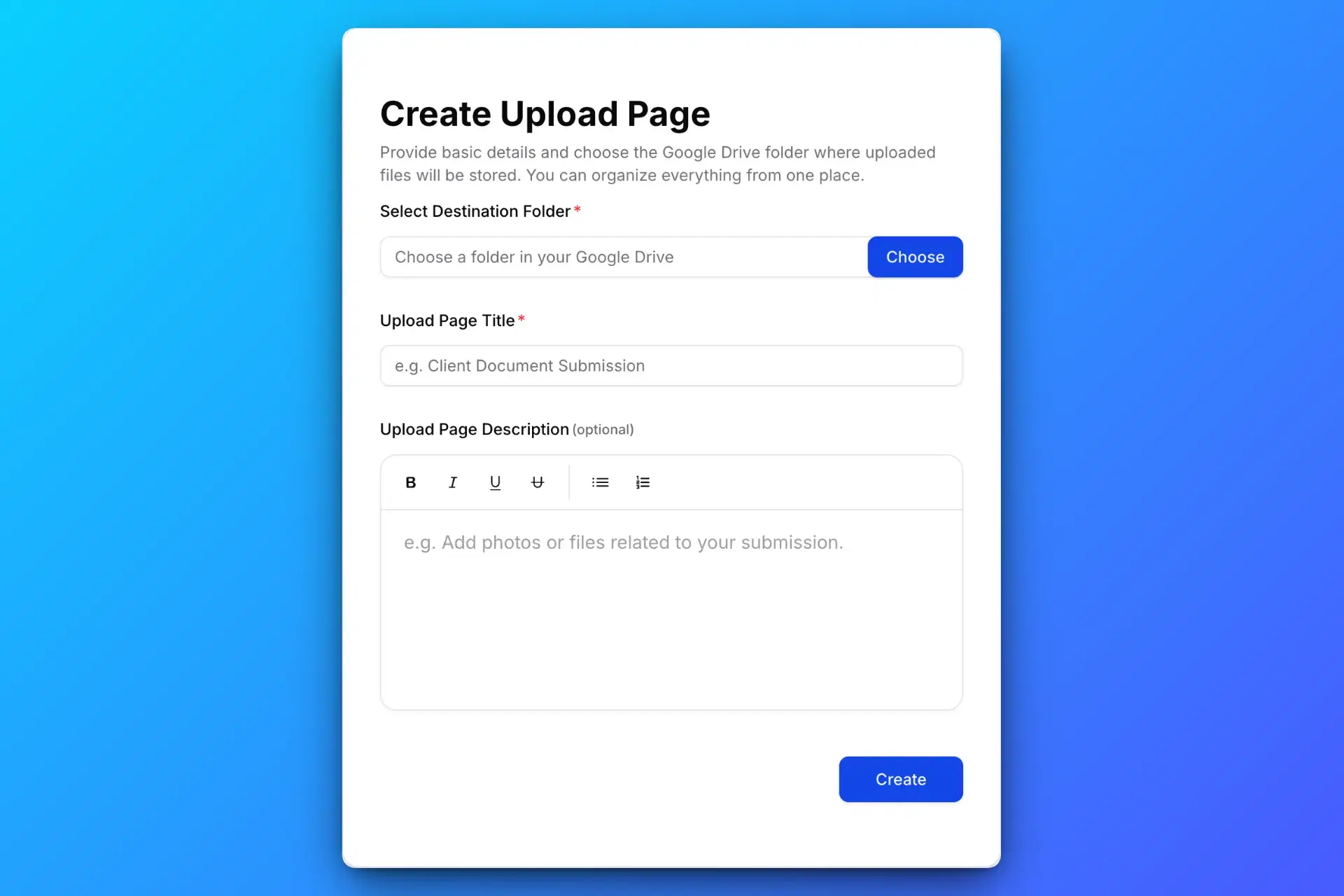
Sign in with Google, connect your Drive, and choose a destination folder you can upload to. Give your page a name and explain which files you need.
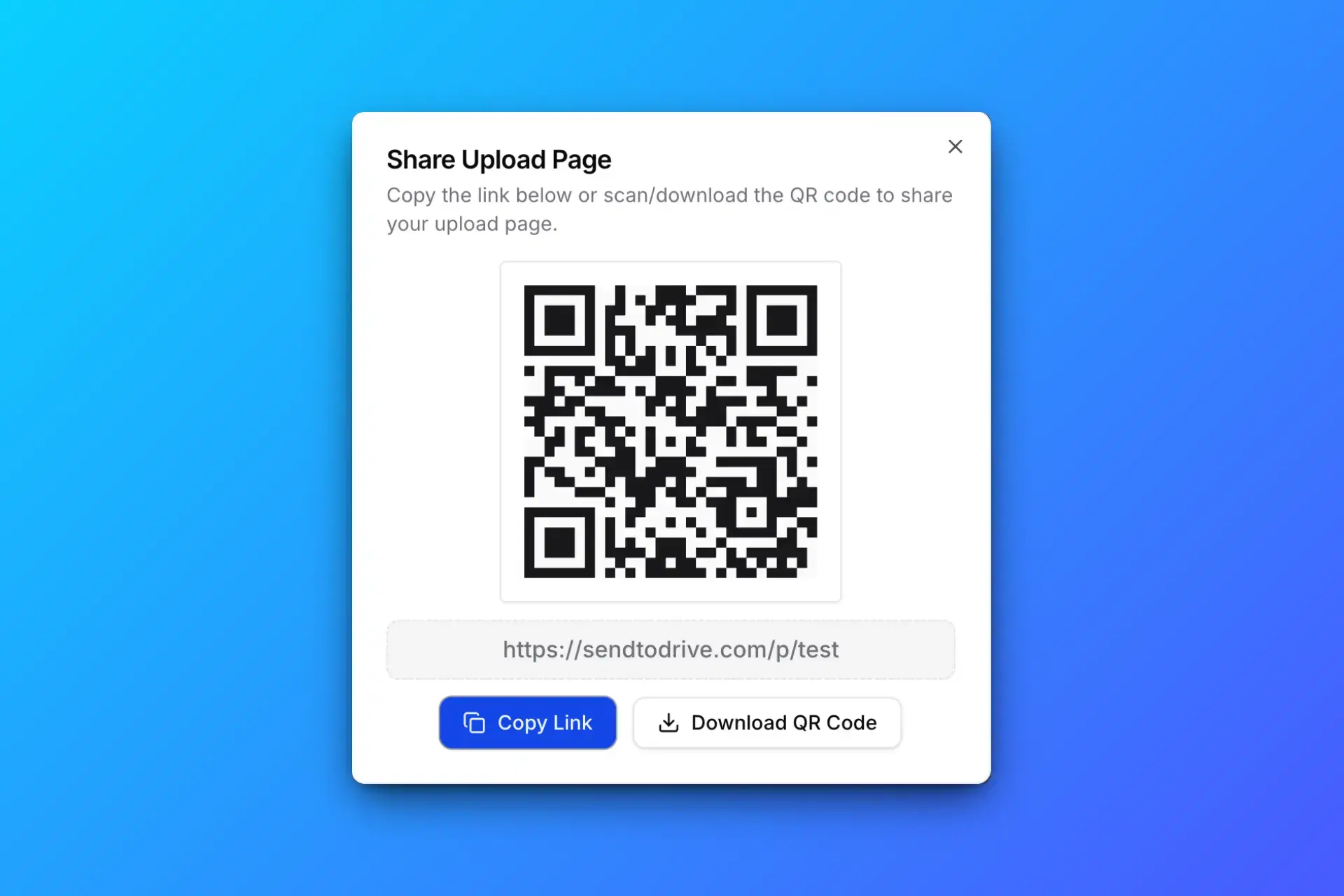
Send the page link to clients or colleagues, or share its QR code with guests. You share the upload page, not access to browse your Drive folder.
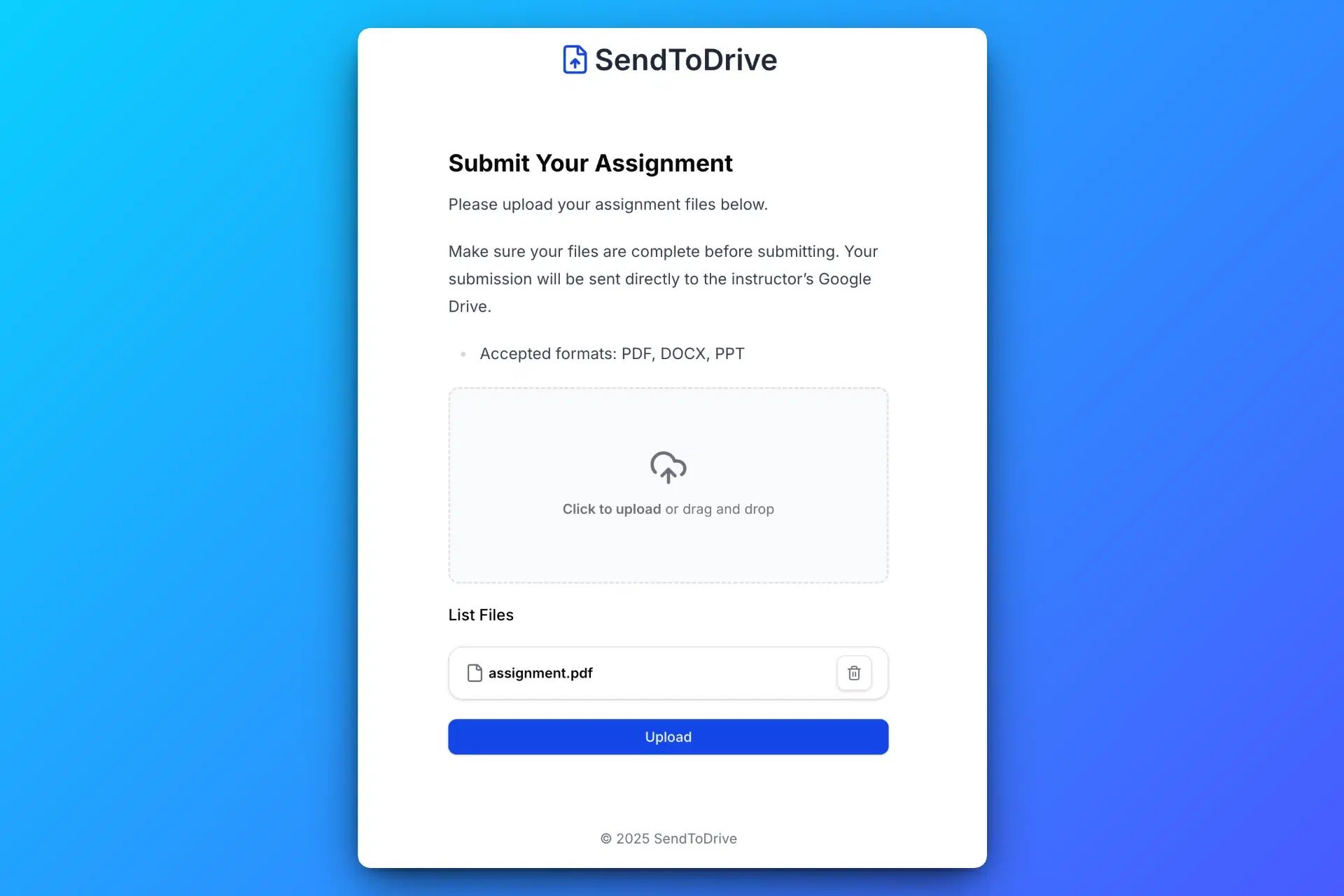
Senders open the page in their browser, select files, complete any required details, and upload. They do not need a Google or SendToDrive account; your page access rules still apply.
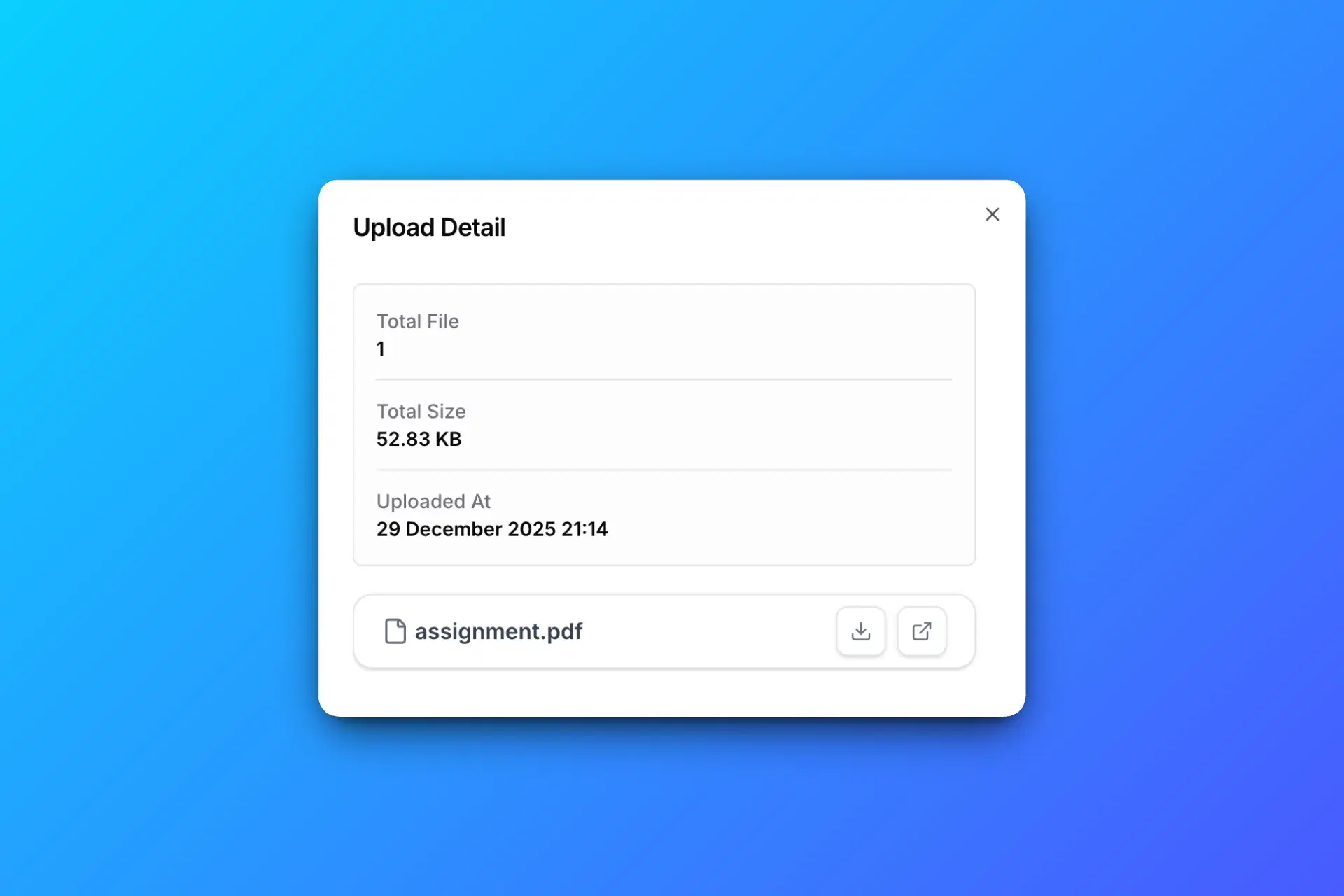
Completed uploads arrive in the connected Drive folder. On a paid plan, you can configure subfolders or rules based on form answers to organise them.
Start with a Simple upload page and sender details. Paid plans add Structured file fields, access controls, custom branding, and configured automation.
Structured upload forms
Collect CVs, portfolios, and certificates in separate upload fields, together with sender details.
Separate file fields and custom branding require personal Premium or workspace Business. The free 24-hour trial uses a Simple form.
Configure Google Drive subfolders by document category.
Share an upload page by link or QR code so senders can open it in their browser.
On a paid plan, add a page password and share it with the people you want to send files.
On a paid plan, accept approved email or domain entries and optional access codes. An email entry alone does not verify identity.
Enable notifications on a paid page to receive an email after completed uploads. Delivery times can vary.
Enable sender receipts on a paid page to send a confirmation after a completed upload.
Trial pages accept uploads for 24 hours. On a paid plan, set your own expiry or keep the page available while the subscription is active.
On a paid plan, use your logo, brand name, and brand link on the upload page.
Customise your upload page with templates, light and dark palettes, fonts, spacing, and rounded corners.
Collect sender details such as name, email and notes alongside uploaded files.
On a paid plan, configure a separate subfolder for each submission to keep related files together.
On a paid plan, enable routing and set rules that place submissions in Drive subfolders based on form answers.
Add up to 5 custom inputs to a Simple trial page. Paid forms support up to 30 inputs, including separate file fields in Structured mode.
Team workspace
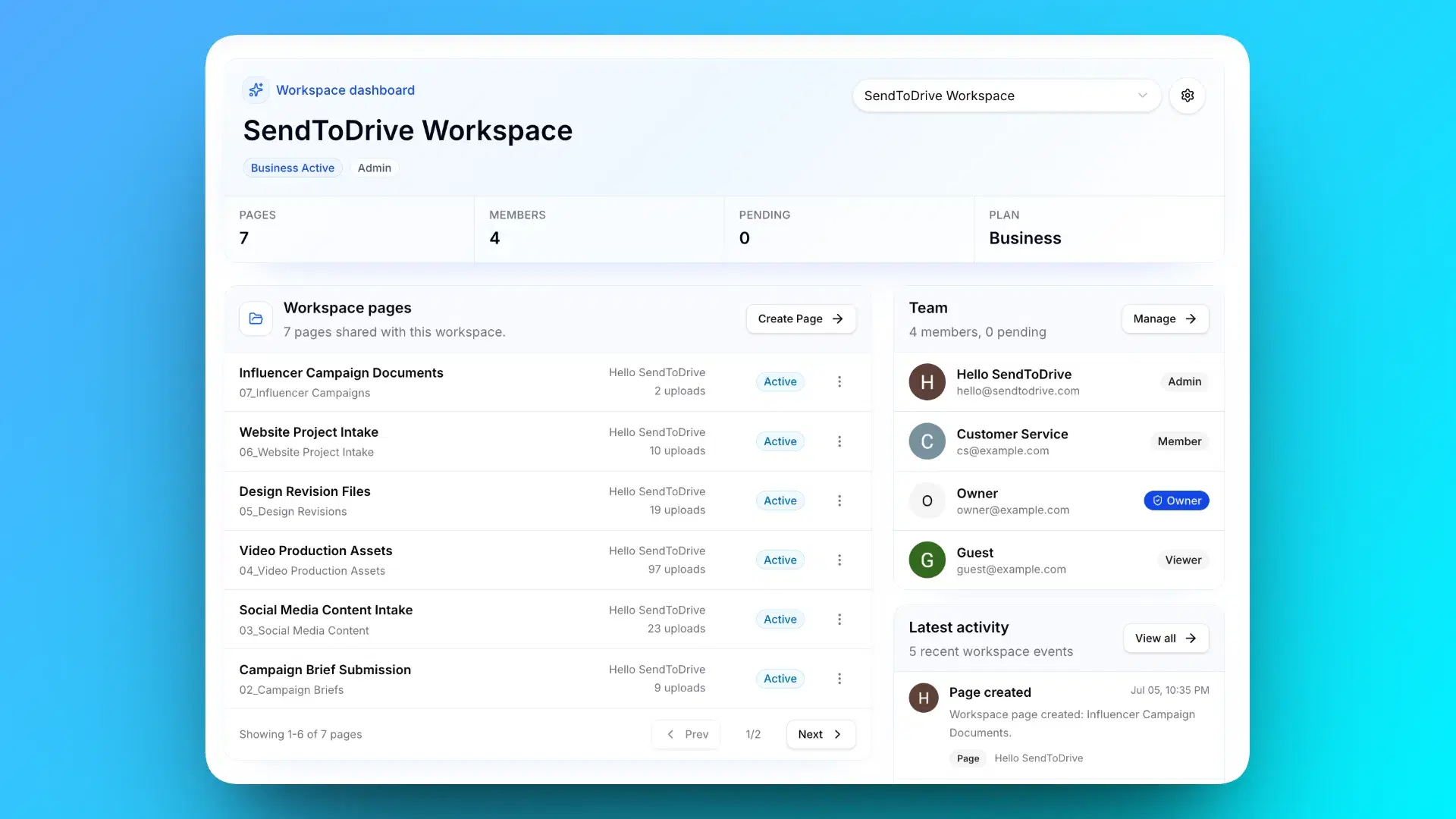
Business workspaces let teammates manage upload pages with assigned roles. A connected Google account provides the Drive destination; access to the files follows Google Drive permissions.
File request examples
Create a Google Drive upload page for a project, class, or event. These examples show what you can request and which details help identify a submission.
Collect resumes, portfolios, IDs, and screening documents without asking candidates to create an account.
Receive assignments, certificates, and project files in your selected Drive folder, with student and class details.
Request video footage, design files, and reference photos, with a project name to identify the submission. Your page rules and Drive limits apply.
Collect registrations, guest photos, speaker materials, waivers, and post-event media through one link or QR code.
Gather inspection photos, floor plans, and property media with the address or project reference in the form.
Collect project files and assets directly in Google Drive.
Request artwork, proofs, and order notes through one upload page. Choose file rules to match your intake requirements.
Collect reports, approval files, compliance documents, and team submissions in one predictable place.
Try one upload page free for 24 hours. Choose Premium for ongoing personal file requests or Business for shared page management in a workspace.
Unlock advanced features for securely collecting files to your Google Drive.
Cancel at any time. No long-term commitment.
A focused team plan for workspace upload pages, roles, and simple seat billing.
Includes 2 seats
Extra seats are $4.99/user/month.
Business billing is currently available in USD only. More currencies will be supported later.
Fixed seats, simple billing, cancel anytime.
Paid plan prices exclude applicable taxes. Taxes are calculated by Paddle, our merchant of record, at checkout based on your billing location.
What to know before you create an upload page and ask people to send files.
Learn about sender accounts and folder accessFounder story
(the person who built SendToDrive)
During COVID, my mum, a senior teacher, suddenly had to teach from home.
She was not very comfortable with technology, but she still needed a simple way to receive files from her pupils. So everything went through WhatsApp.
At first, it felt practical. Then assignments kept coming every day: photos, PDFs, videos and documents. Her phone storage filled up, and the phone started getting slow.
Finding one pupil’s work inside hundreds of chat messages became stressful. The tool that was supposed to help her teach was quietly making her day harder.
That problem at home made me realise this was not just my mum’s problem. Teachers, admins, communities and small businesses all need a cleaner way to collect files from other people.
So I built SendToDrive: connect Google Drive, share an upload page, and receive files in the folder you choose.
Senders open the link in their browser and follow the page’s upload rules. Their files arrive in your Drive, ready for you to review.
Try one page free for 24 hours. Continue collecting with a paid plan.
Connect your Google account, choose a folder, and share your upload page. Try one page free for 24 hours, then choose a paid plan to keep collecting files.