1
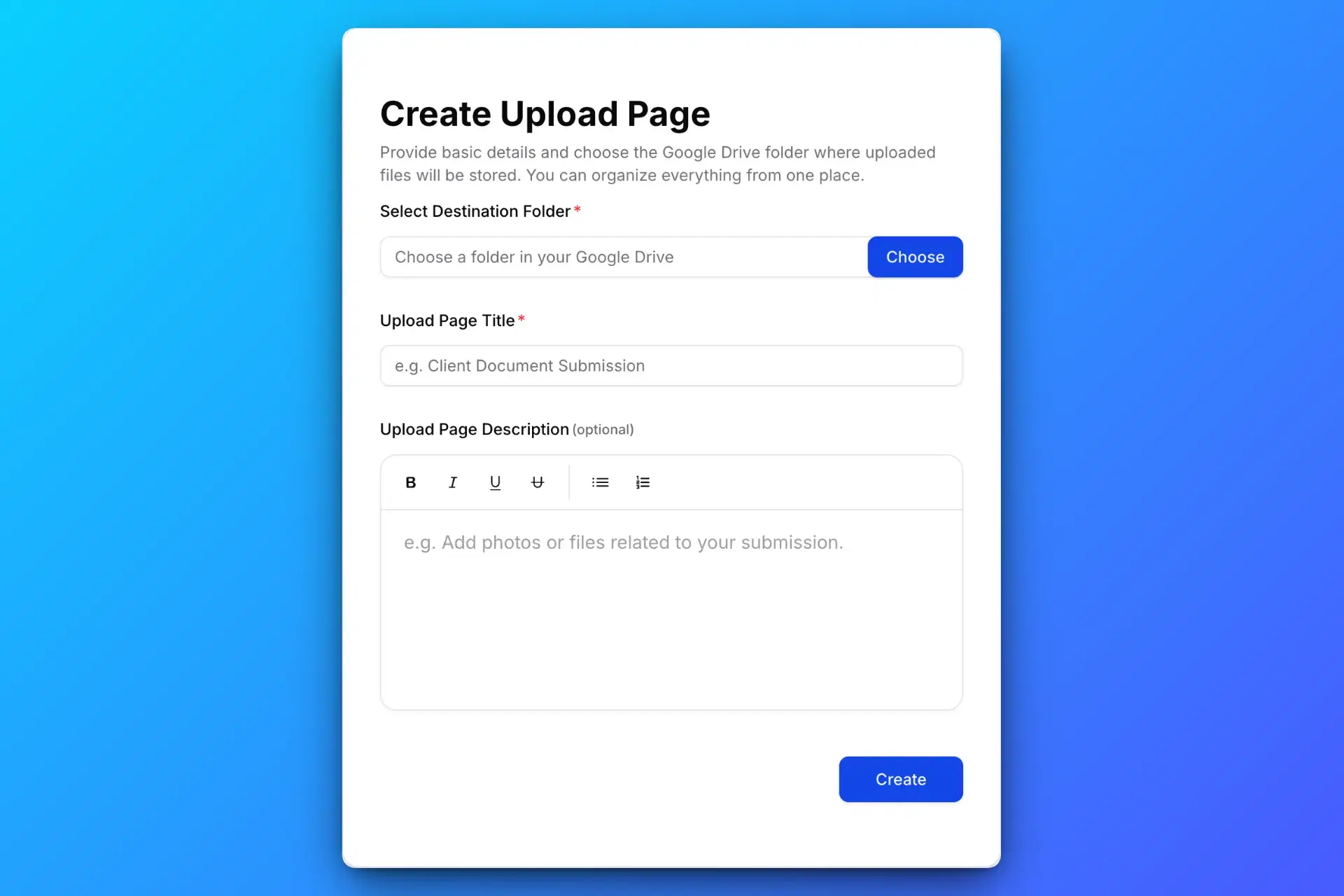
Create Your Upload Page
Connect your Google account, choose a destination folder, and add instructions and file rules. Trial Lite includes one Simple page for 24 hours; Structured forms require an active paid plan.
Collect files directly to your Google Drive — without sharing access to your Drive.
The owner connects Google and chooses a destination folder. Guests use a browser upload page; the upload link does not grant permission to browse existing Drive files.
Connect your Google account, choose a destination folder, and add instructions and file rules. Trial Lite includes one Simple page for 24 hours; Structured forms require an active paid plan.
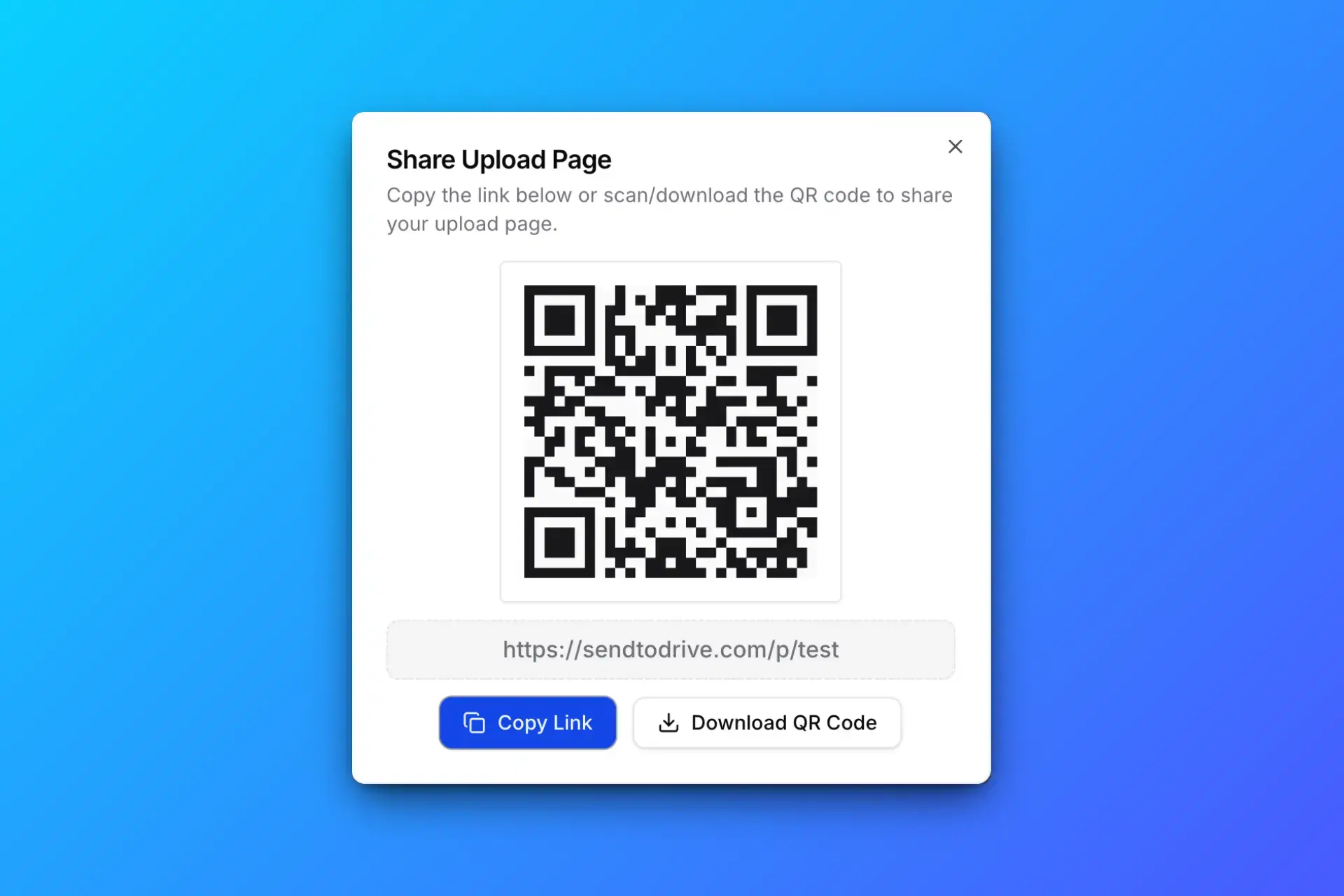
Send your upload link through email or chat, share its QR code, or embed the page on your website. Guests open it in a compatible browser without a Google account.
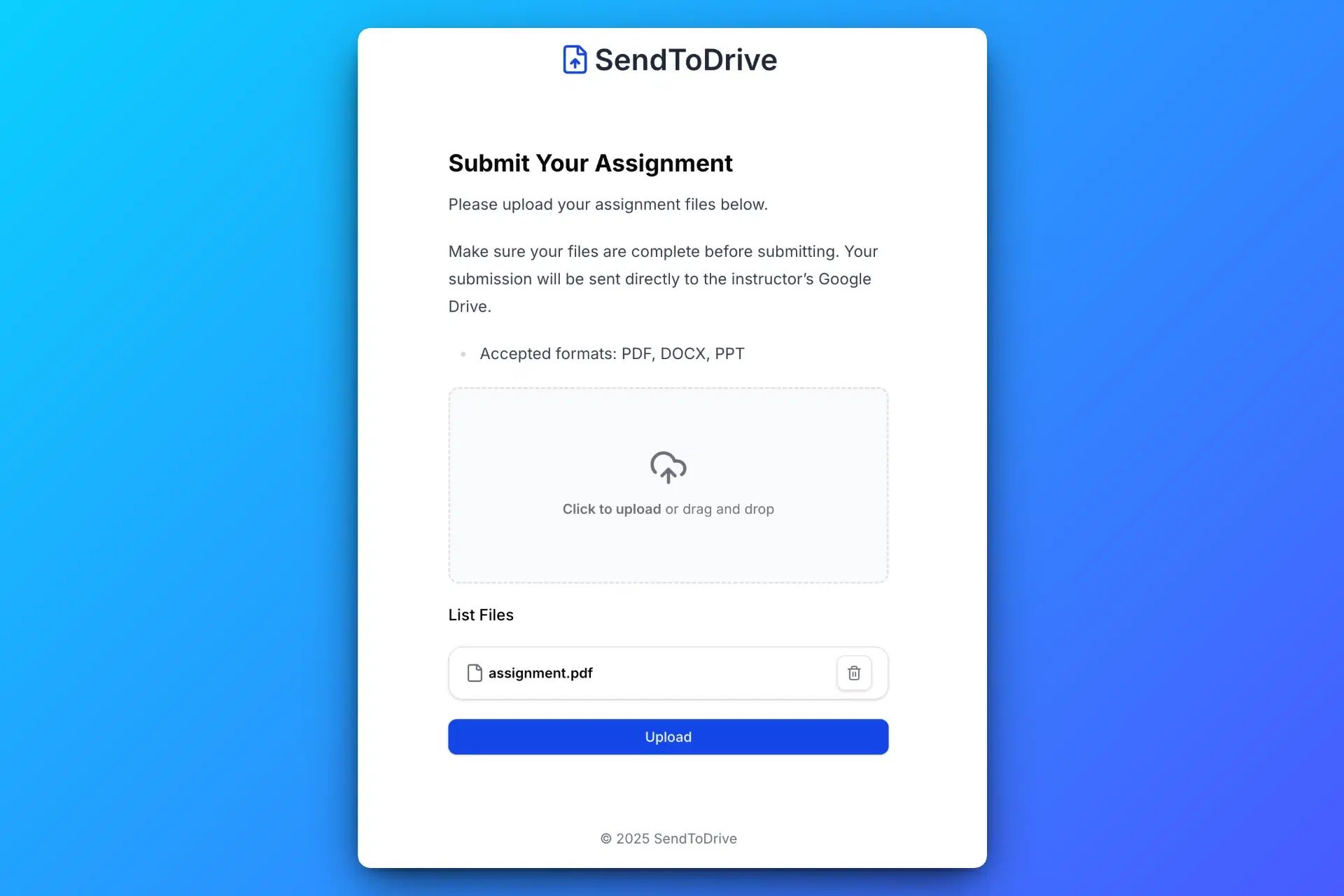
Guests select files and complete required fields. Passwords, access codes, file rules, and the page’s expiry can still apply. The upload link does not grant permission to browse existing Drive files.
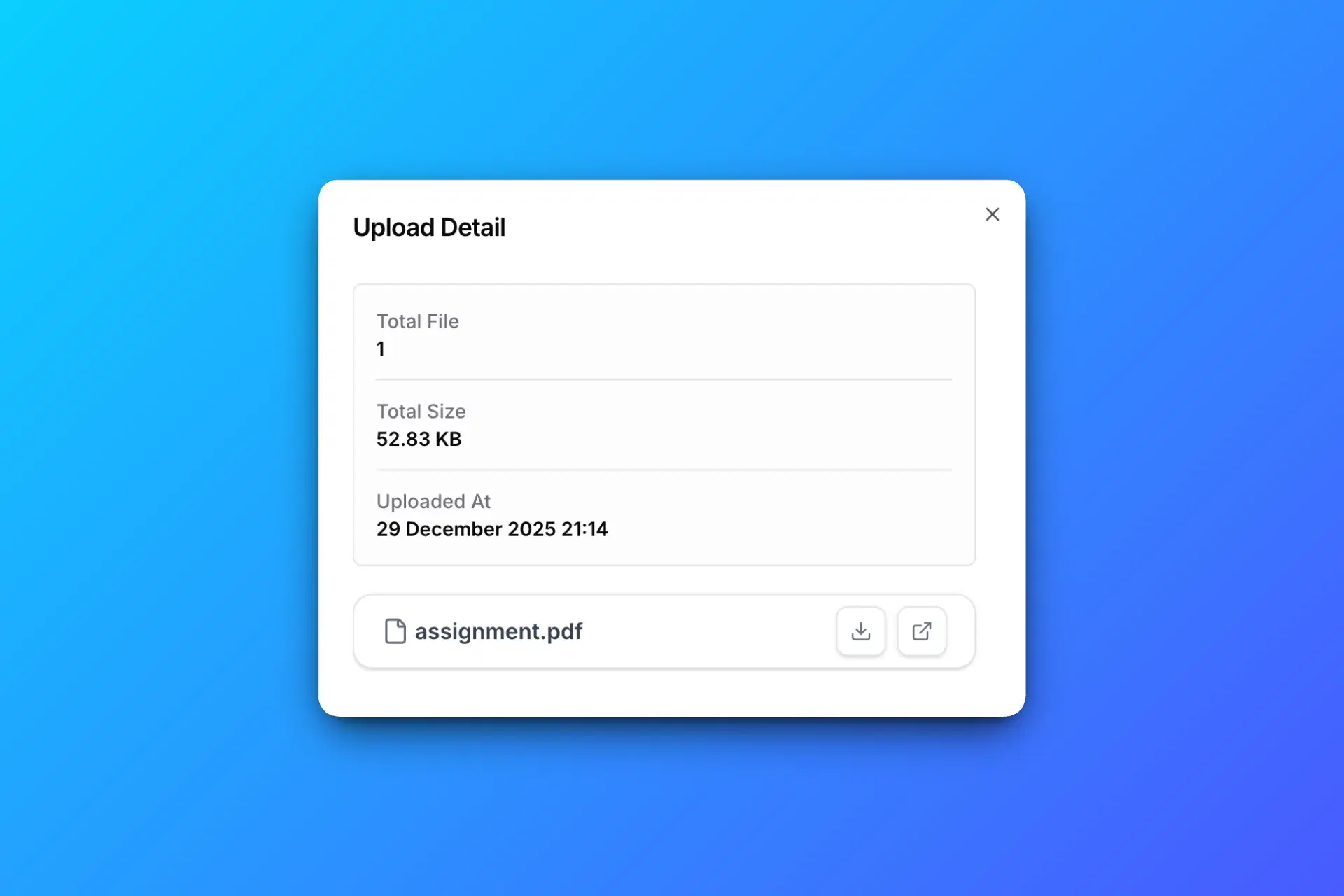
Uploaded file content goes to your connected Google Drive. Check its available storage and review submissions there. Paid subfolders and answer-based routing follow the settings you configure.
Connect your Google account, choose a folder, and share your upload page. Try one page free for 24 hours, then choose a paid plan to keep collecting files.